
Payment
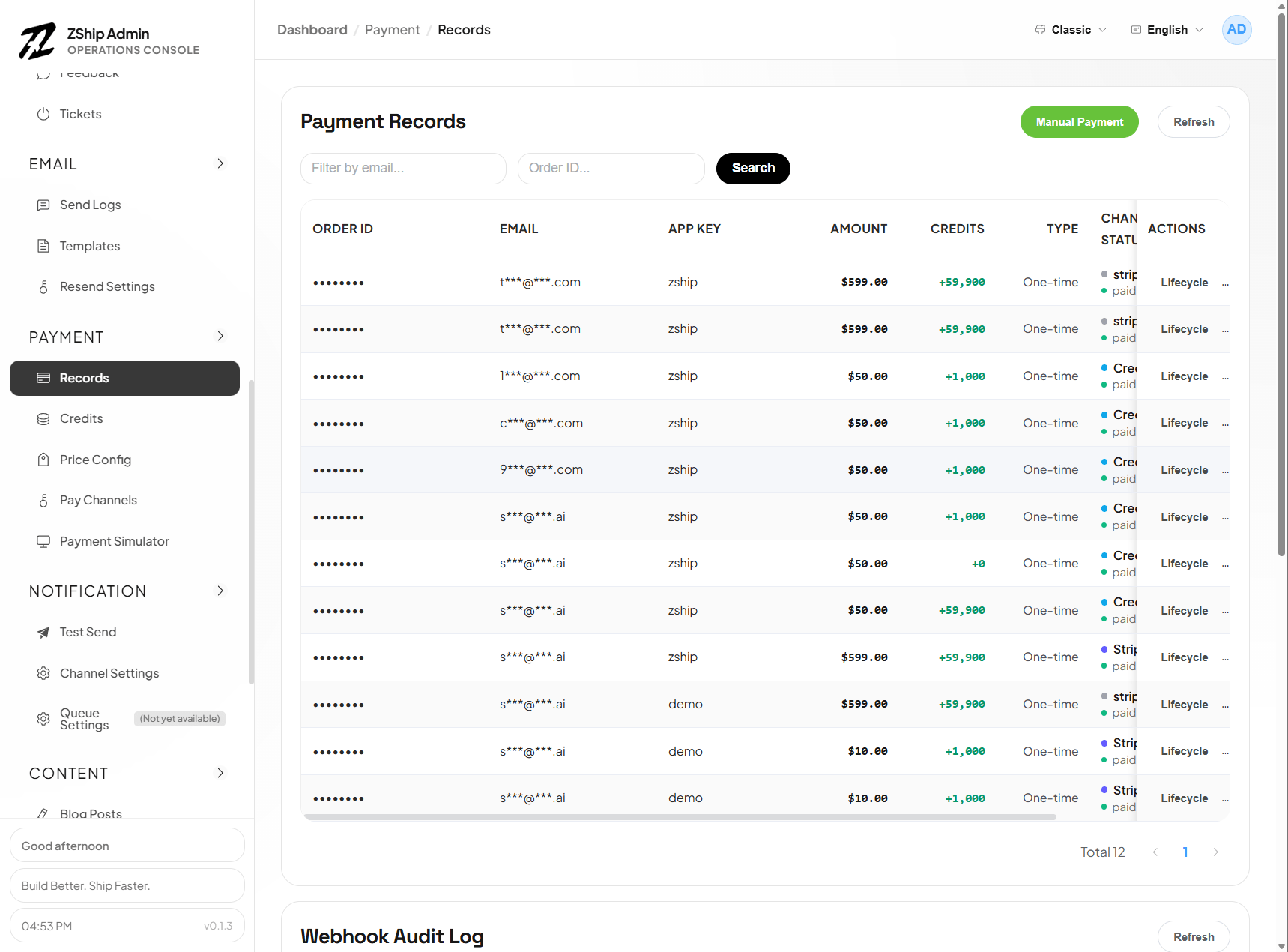
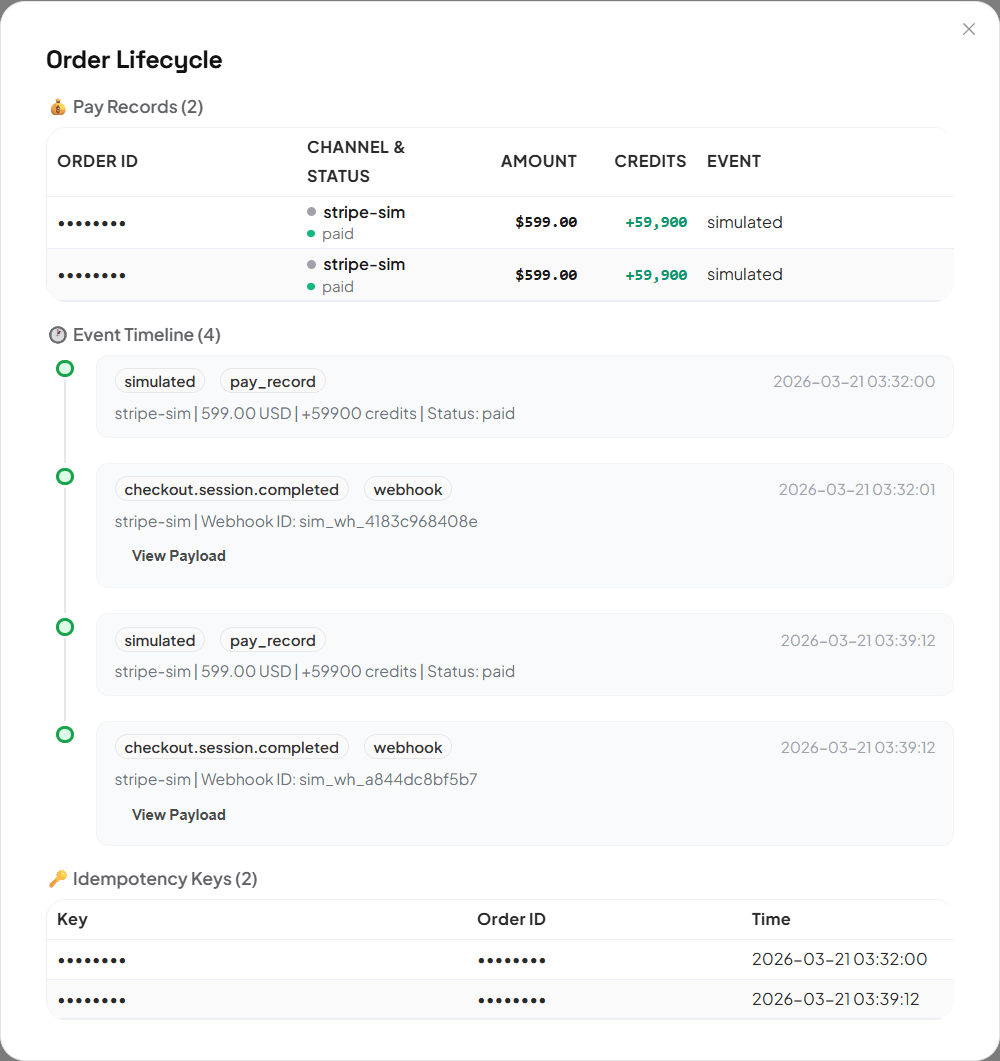
Payments are handled by node3-pay-service with Stripe, Creem, and configurable plans. The usual model is: create pay channels first, map each plan to Stripe Product / Price IDs in Price Config, then bind every project (app_key) to a channel so checkout and webhooks use the right credentials.
Recommended setup order
Section titled “Recommended setup order”-
Pay Channels (
/pay-channels)
Add Stripe or Creem channels (keys, webhook secrets, etc.). One Stripe account can back one or many channel rows in Admin if you split by environment or brand. -
Price Config (
/price-config)
Create or edit plans: amount, billing interval, credits, feature flags. For Stripe, align each plan with Product ID and Price ID (below). -
Project ↔ channel binding (same Pay Channels page)
Bind each app_key to a Stripe or Creem channel. New projects stay non-functional for payments until this binding exists—the system must know which channel credentials to use.
This lets you ship new sites quickly and reuse one Stripe catalog across many projects instead of rebuilding a full store for every launch; add or split channels when you are ready.
Stripe Product ID and Price ID
Section titled “Stripe Product ID and Price ID”In the Stripe Dashboard (Products), each price has a Price ID (price_...) under a Product ID (prod_...). Admin Price Config must store the correct IDs for checkout and webhooks to line up.
To avoid manual copy/paste mistakes, use Fetch products / prices from Stripe in the price editor:
- Calls the Stripe API using the selected pay channel’s secret key and lists products/prices you can pick and persist.
- Prerequisites: choose the app (
app_key) in the editor and ensure that app already has a Stripe channel binding in/pay-channels; otherwise fetch is blocked. - If you run multiple Stripe channels, you can choose which channel’s credentials to use for the catalog fetch (vs. the app’s default binding).
Fetch only wires IDs to Stripe’s catalog; customer-facing copy is still maintained in Admin (next section).
Localized pricing copy
Section titled “Localized pricing copy”Plans support per-locale display fields (e.g. title, description, badge, feature bullets), typically stored as structured display_i18n keyed by locale (en, zh, …).
- You author and maintain each locale’s text in the Admin UI (including any bulk / side-by-side editors). Stripe does not supply localized marketing strings for these cards.
- Where AI Gateway is enabled, optional helpers may fill missing locales; always review before publishing.
The user-facing app picks the locale from site or user settings and falls back when a locale is missing (behavior follows the storefront implementation).
Enable Creem under Pay Channels and add the API key; project binding to that channel is still required for the app to process Creem payments. Plan fields follow Creem’s model (not Stripe Product/Price IDs—use the Admin form and API as reference).
After you create a project
Section titled “After you create a project”Whenever you add a new project (app_key), open Pay Channels and confirm:
- A binding points that app to the correct Stripe or Creem channel.
- Keys and webhook endpoints match production.
Without a binding, checkout or webhooks may not work for that site.
Admin routes
Section titled “Admin routes”- Pay Channels (
/pay-channels) — channels, project bindings, webhook guidance - Price Config (
/price-config) — plans, Stripe fetch, localized copy, optional per-channel Stripe overrides