
Building a custom admin for special business logic
The official management UI and shared behavior live in packages/nuxt-admin-layer. That package is maintained by ZShip and receives ongoing updates (routes, components, RBAC wiring, etc.).
Do not modify nuxt-admin-layer
Section titled “Do not modify nuxt-admin-layer”Treat packages/nuxt-admin-layer as read-only in your fork:
- Changes there are hard to merge when we ship template updates.
- You would be editing “vendor” UI that is meant to stay aligned with the official admin.
If you need business-specific screens, APIs, or workflows, implement them outside that package.
Put custom logic in apps/admin
Section titled “Put custom logic in apps/admin”The default admin app is apps/admin. It already extends the layer in nuxt.config.ts:
export default defineNuxtConfig({ extends: ['../../packages/nuxt-admin-layer'], // ...})Add your special behavior here (or in another Nuxt app that uses the same extends pattern):
- New pages under
apps/admin/app/pages/(or the equivalent directory your Nuxt version uses) - App-local components, composables, and middleware
- Branding,
runtimeConfig, and environment-specific settings
This keeps your code in your app, while nuxt-admin-layer stays the upstream shell.
How Nuxt layers override each other
Section titled “How Nuxt layers override each other”With extends, the child app wins when both define the same resource (for example a page or component with the same path/name). Concretely:
- If you provide a matching override in
apps/admin, that version is used. - If you do not override, the implementation from
nuxt-admin-layeris used.
So you can selectively replace official pages or components without copying the entire admin package—and official updates to unrelated parts of the layer still apply.
Practical tips
Section titled “Practical tips”- Prefer adding new routes and modules under your app rather than patching files under
packages/nuxt-admin-layer. - Keep backend rules (permissions, Service Bindings) consistent with Admin RBAC; the UI is not the authority for security.
- To scaffold a separate admin app, use the
create-adminskill in.cursor/skills/(copy from the official admin template and pointextendsat the layer).
Official admin UI (reference screenshots)
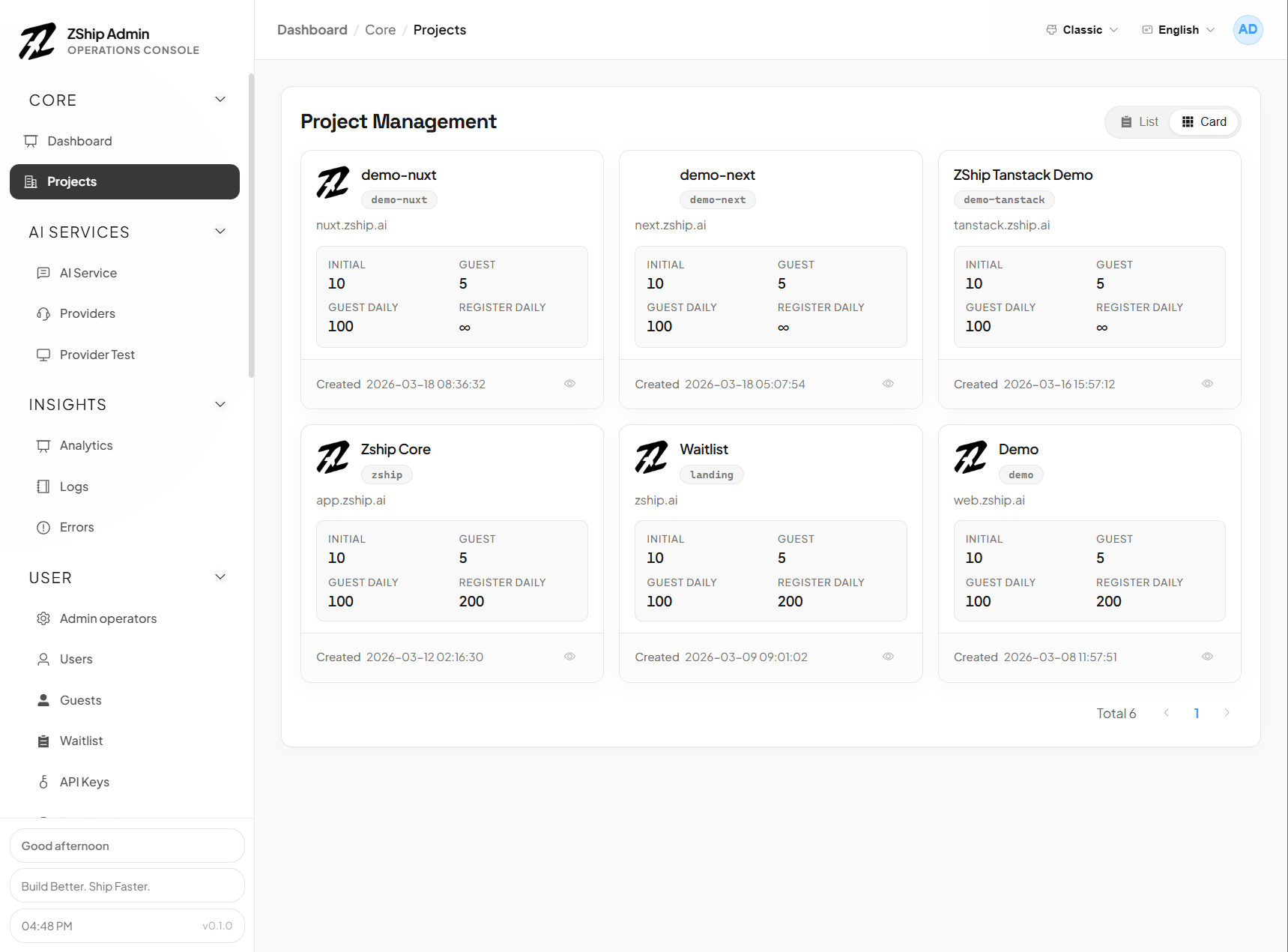
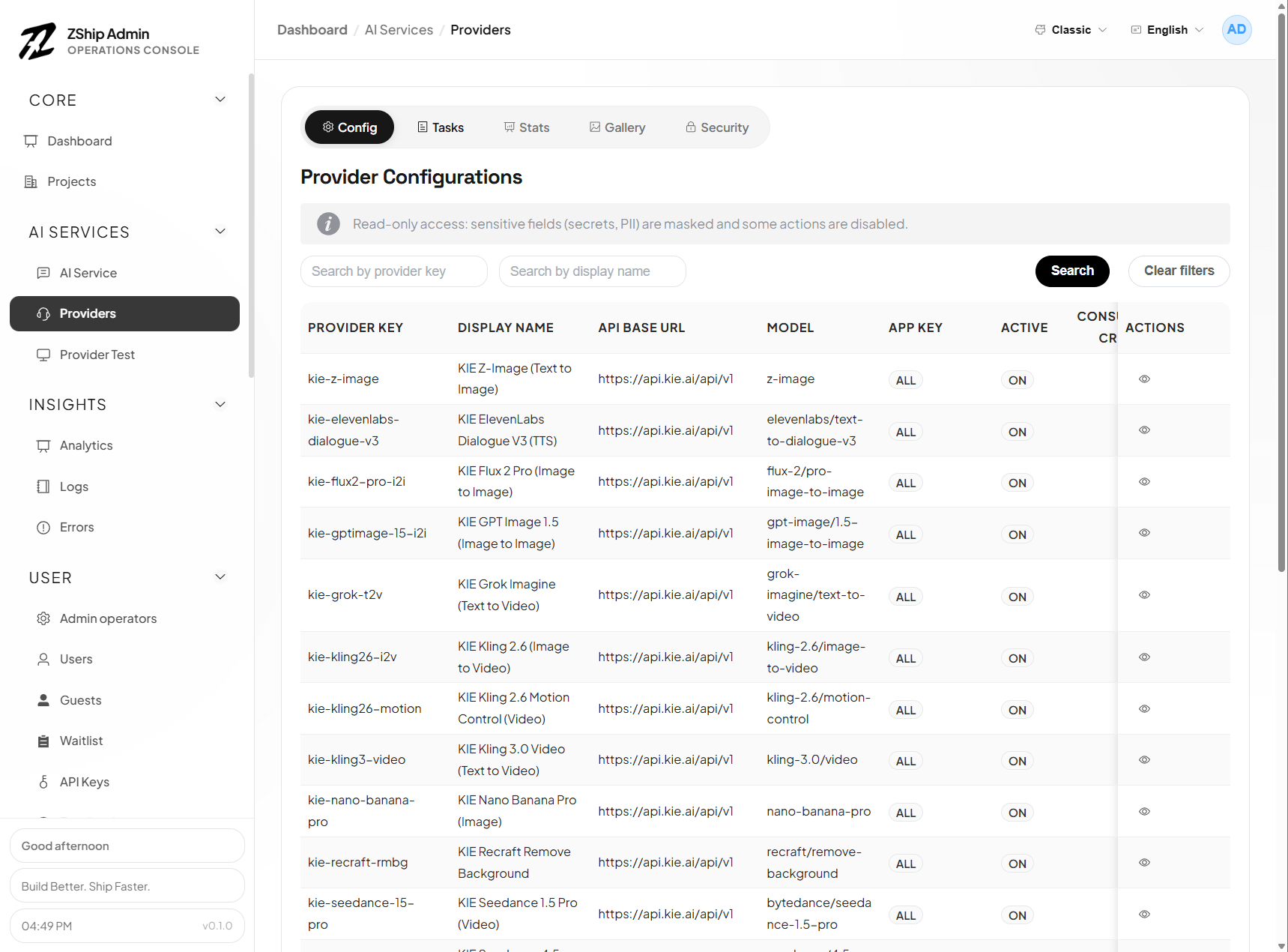
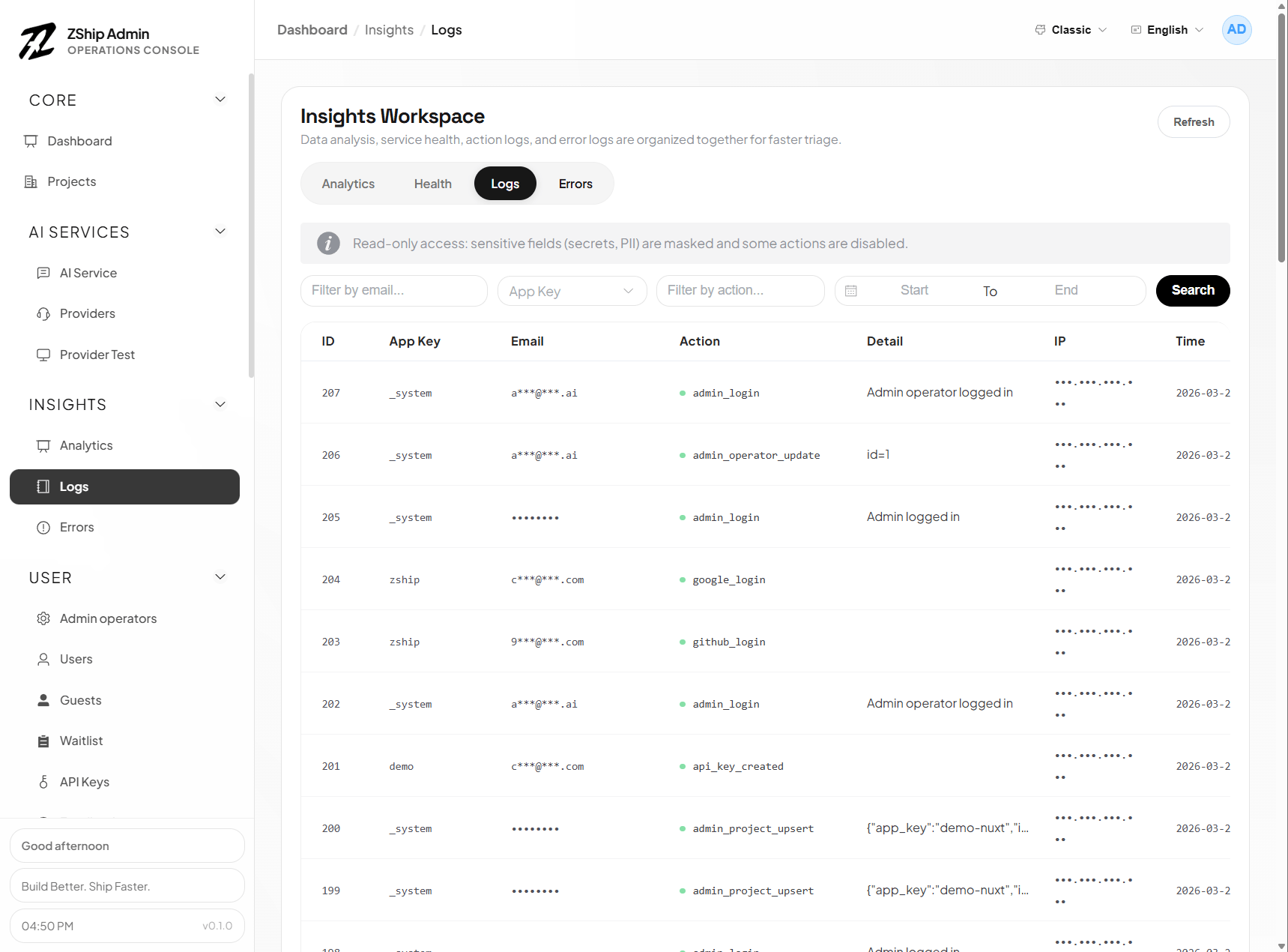
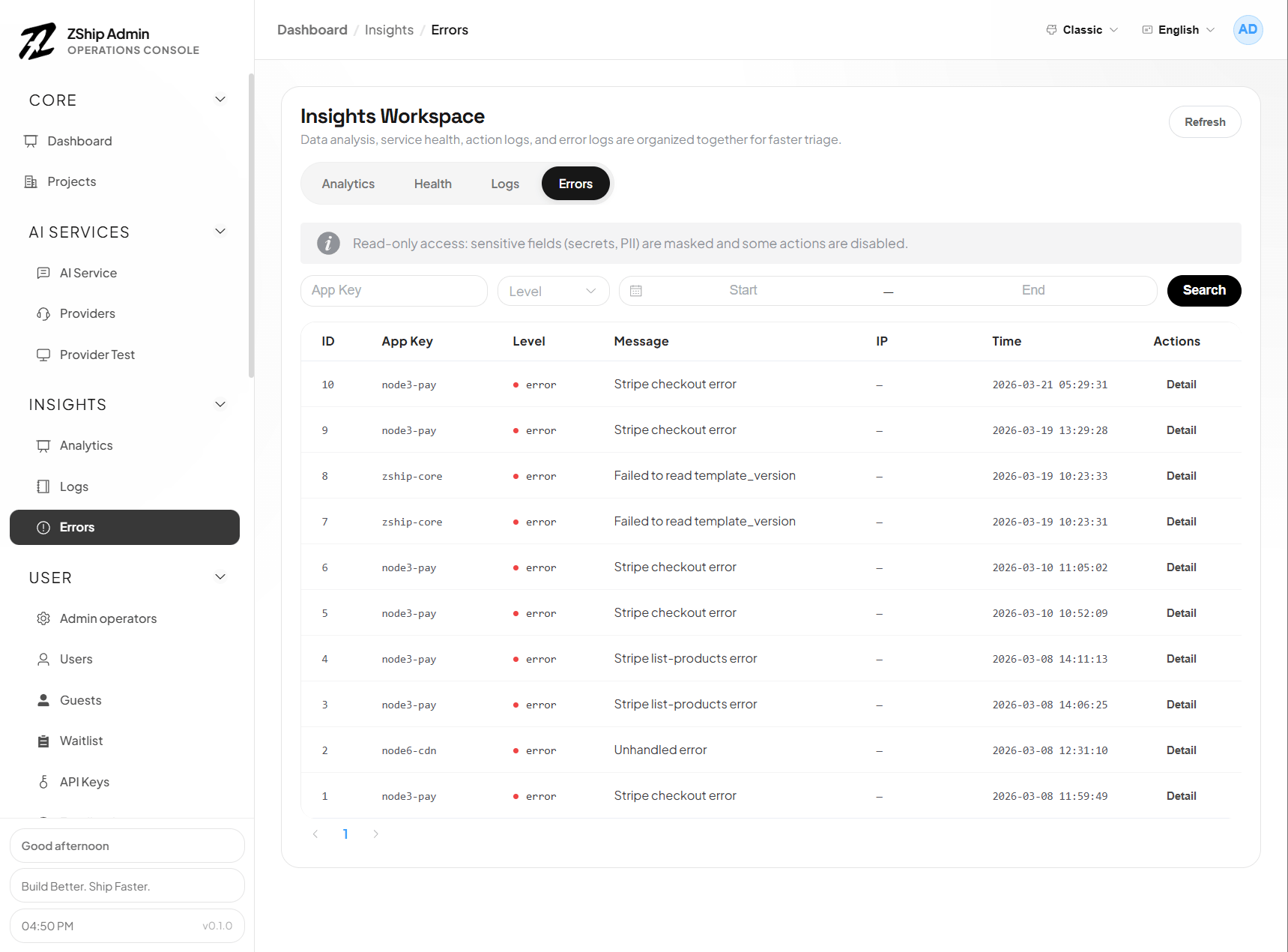
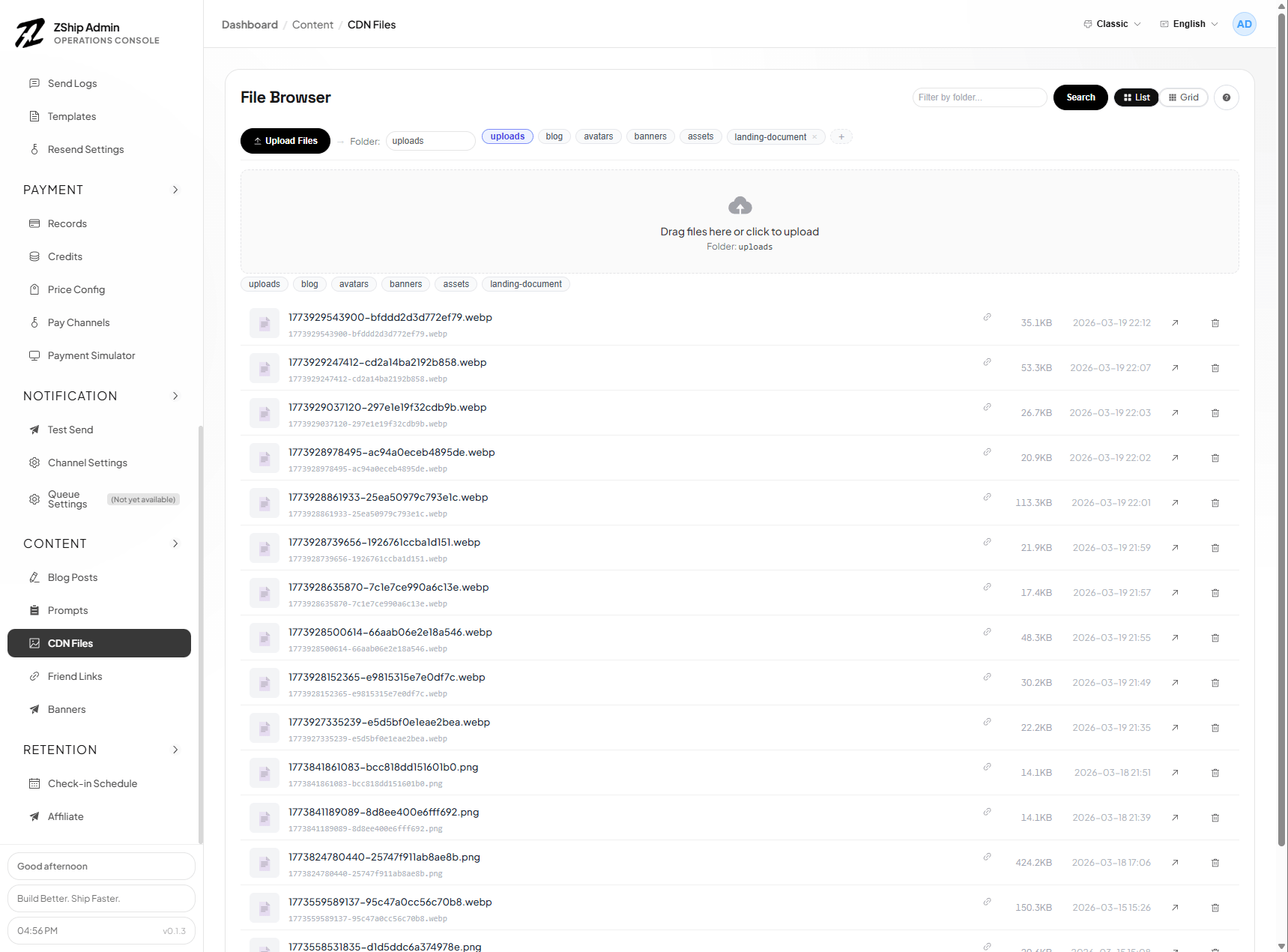
Section titled “Official admin UI (reference screenshots)”The following images show the official management surfaces shipped with nuxt-admin-layer. Your apps/admin extends this layer; you add or override pages in the app, not in the package.
Workbench & projects
Section titled “Workbench & projects”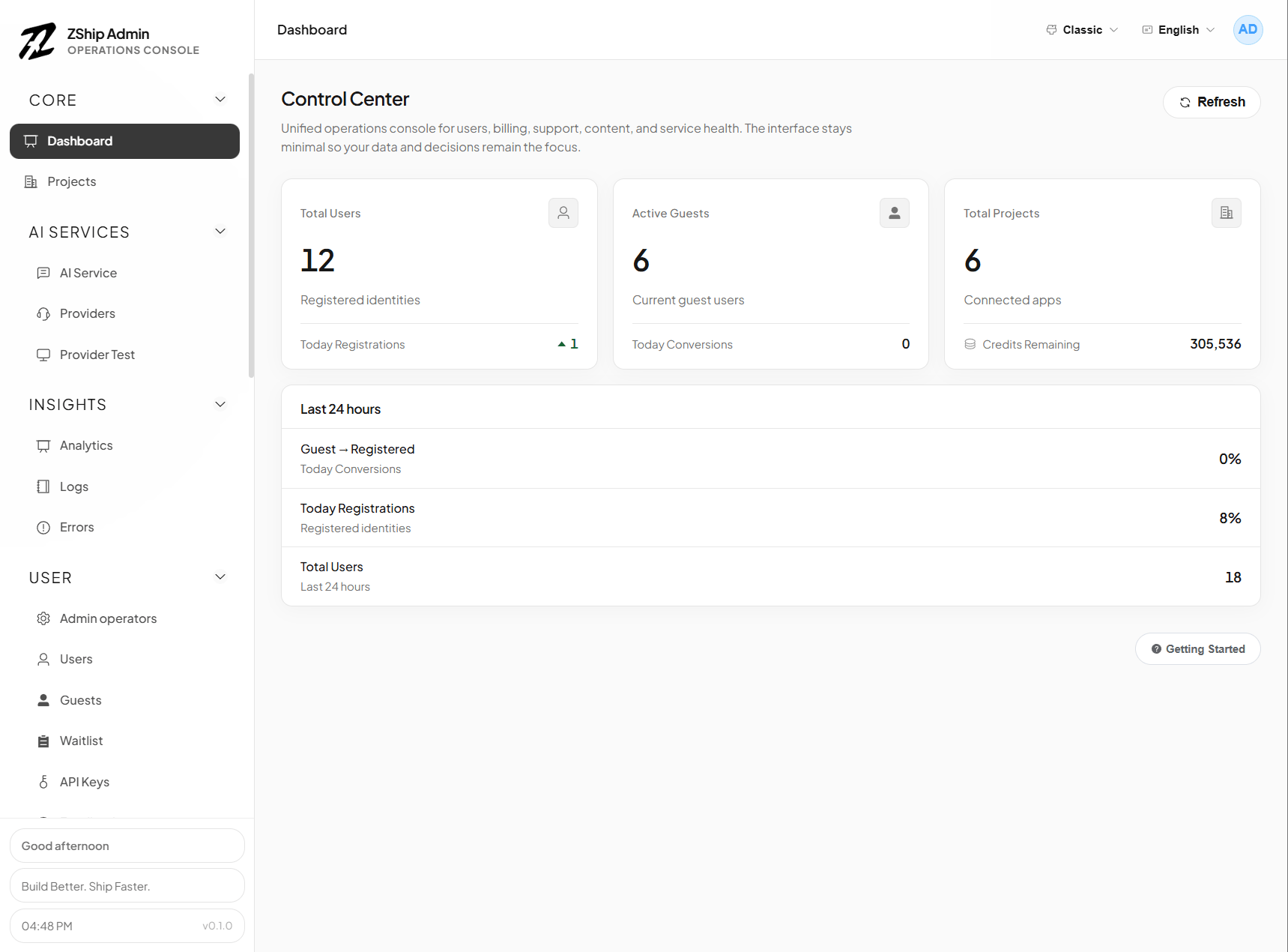
AI & gateway
Section titled “AI & gateway”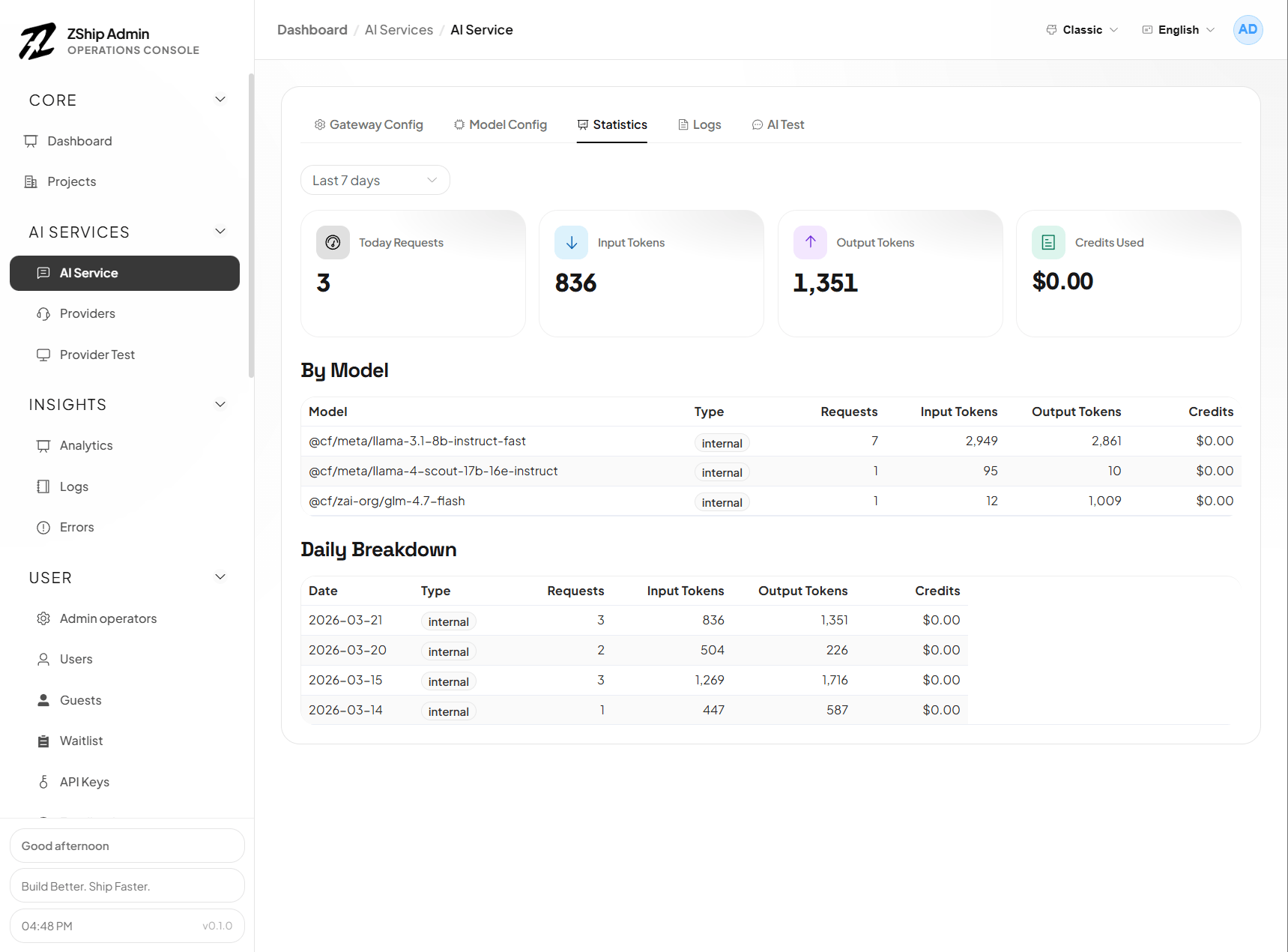
Operations
Section titled “Operations”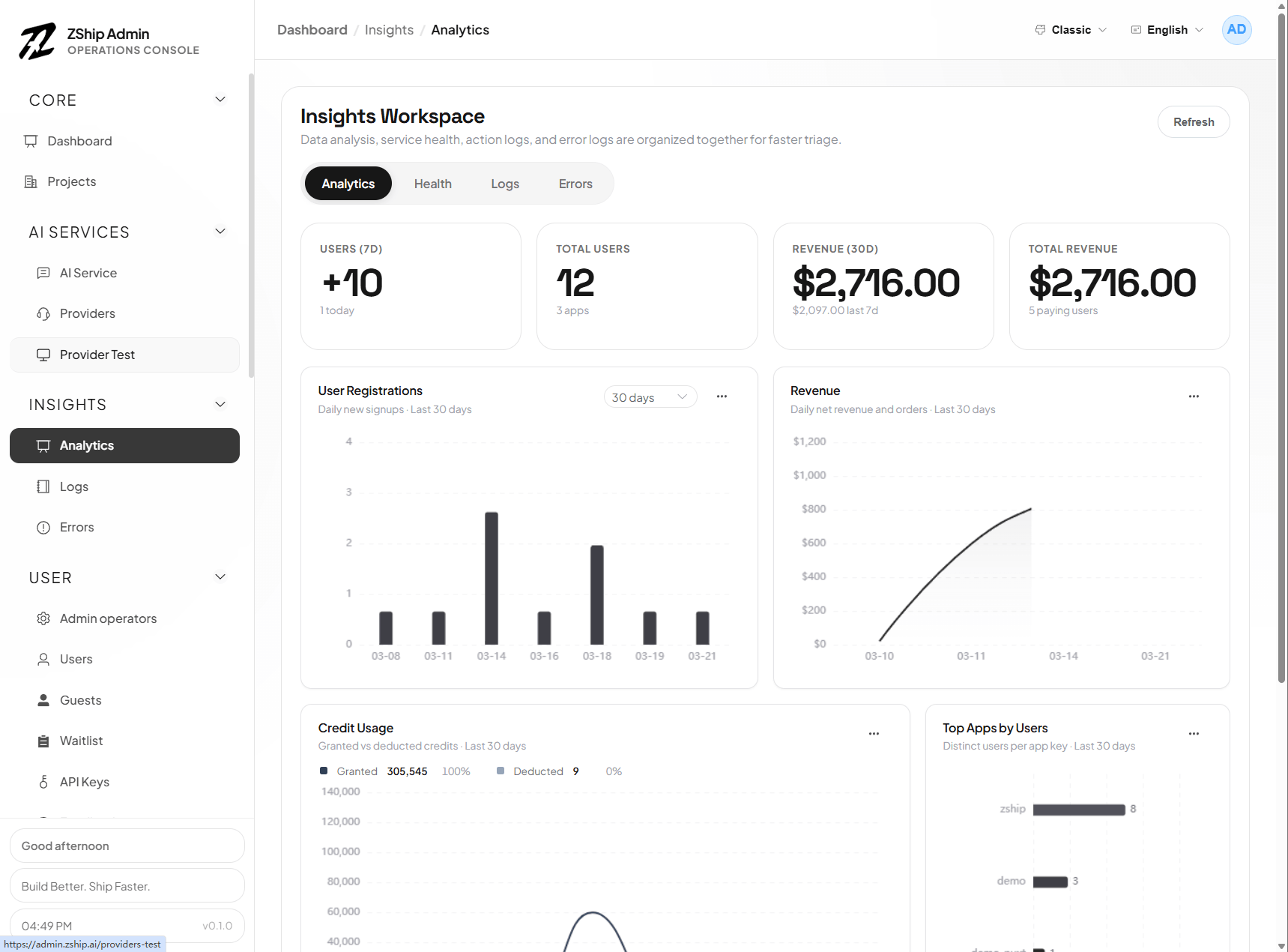
Operators (RBAC)
Section titled “Operators (RBAC)”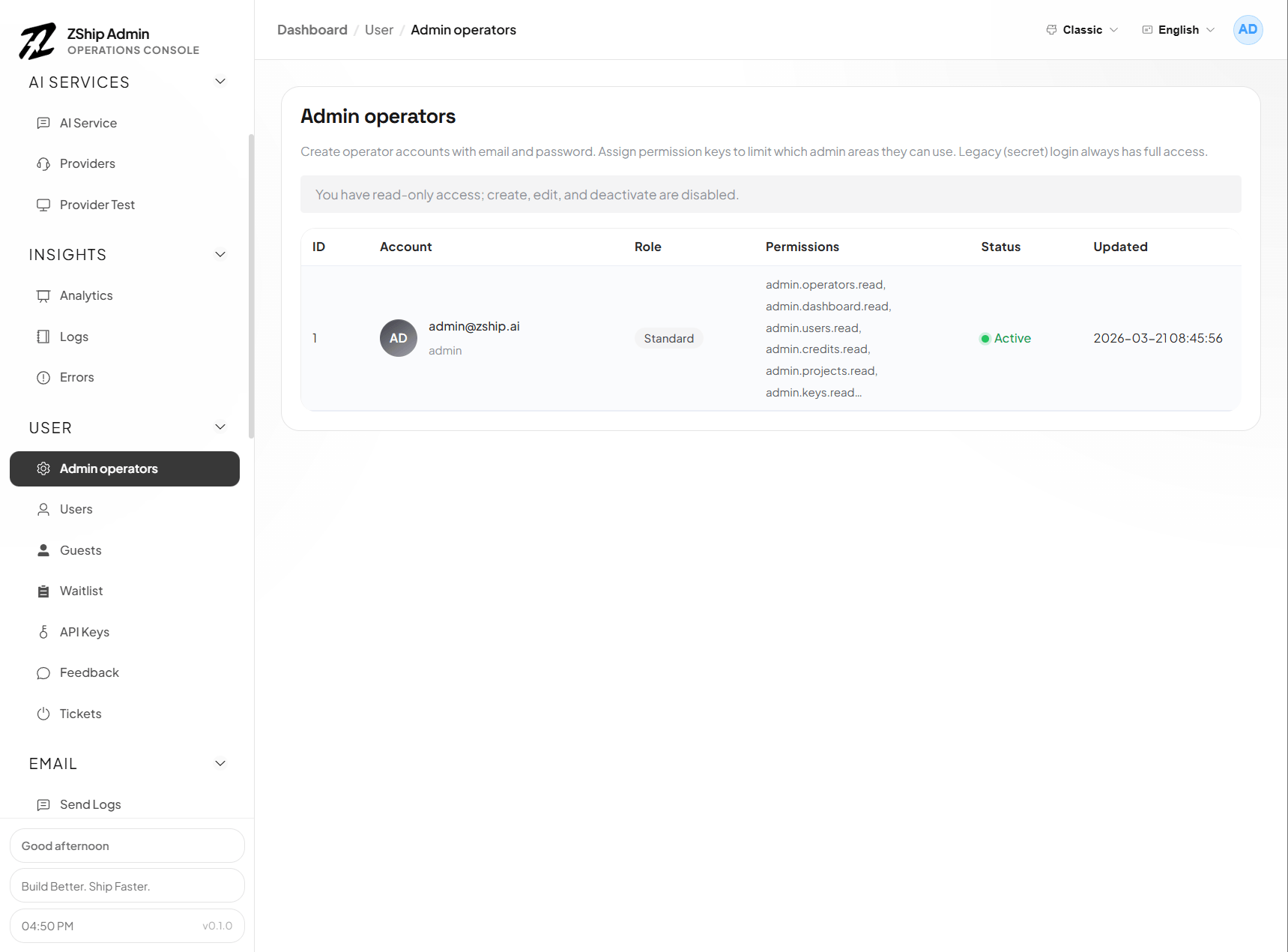
Users & access
Section titled “Users & access”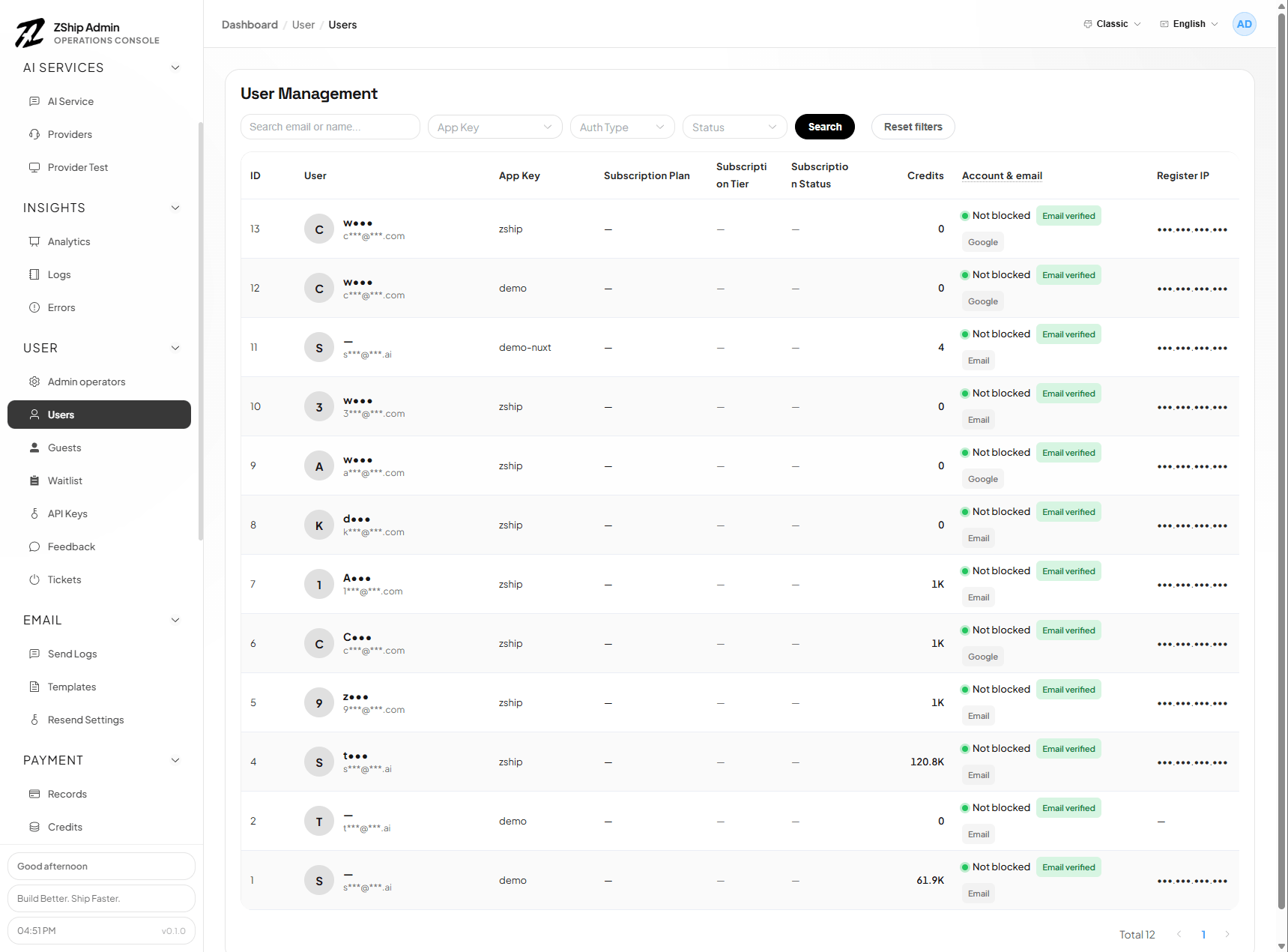
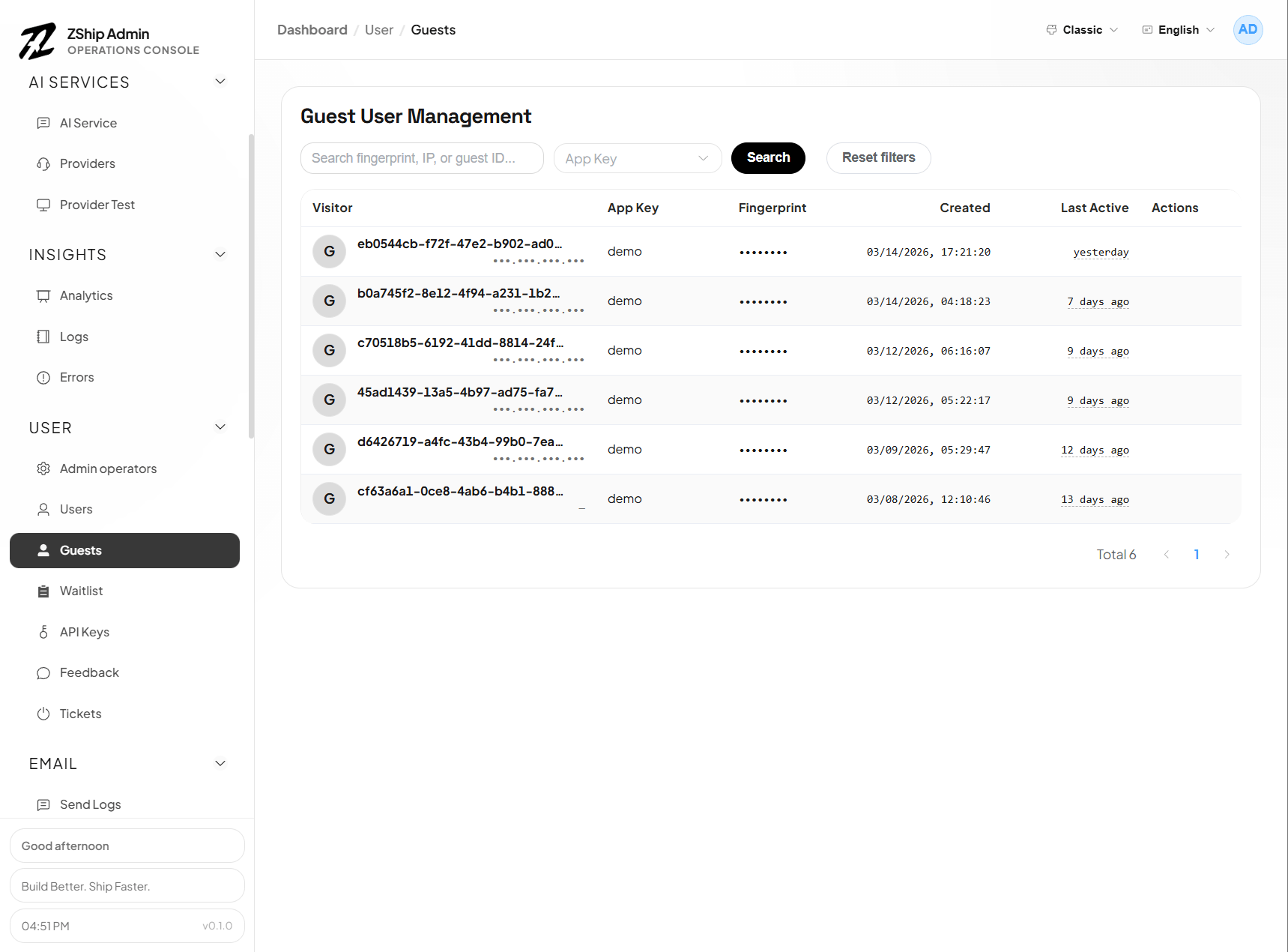
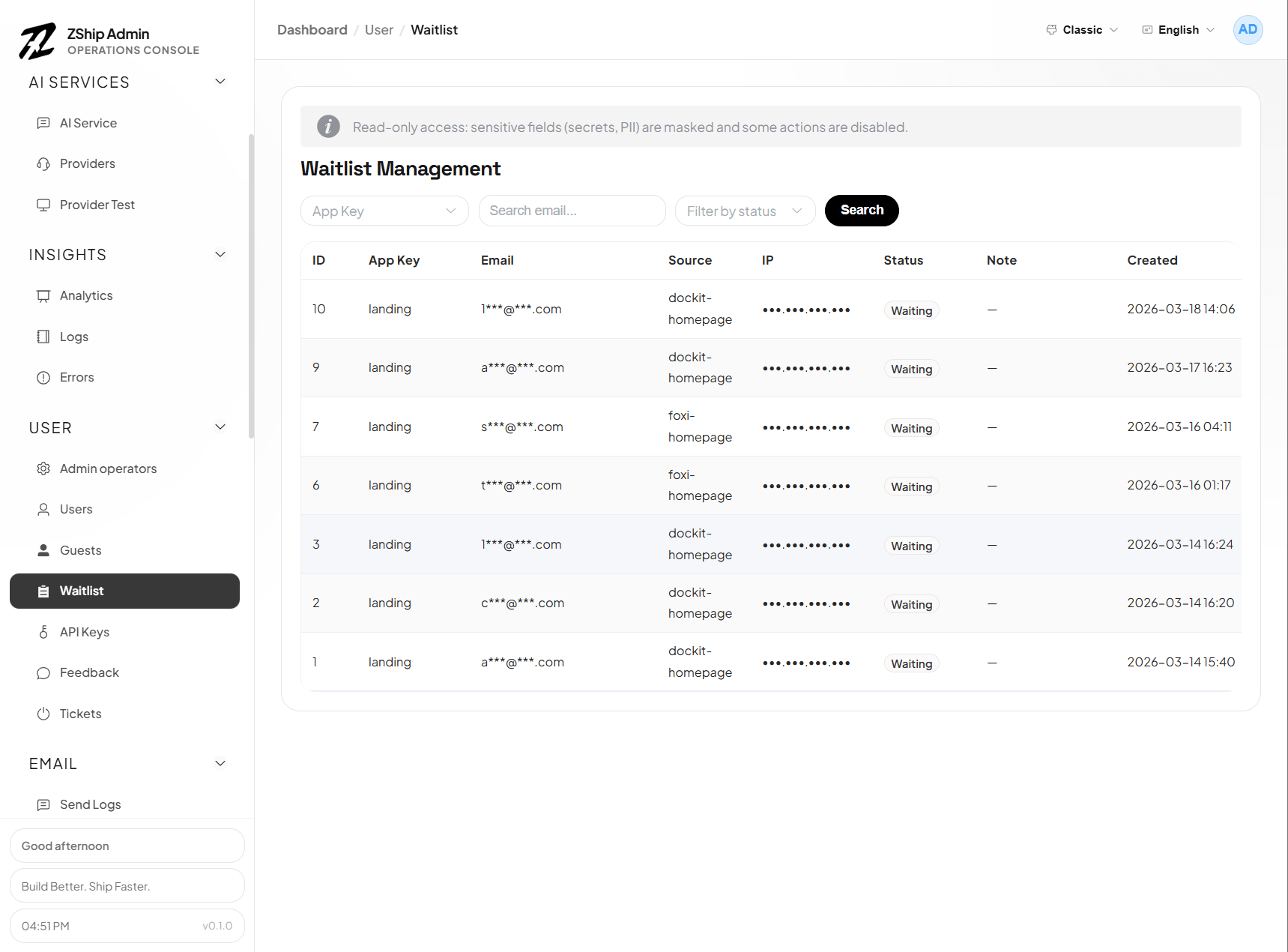
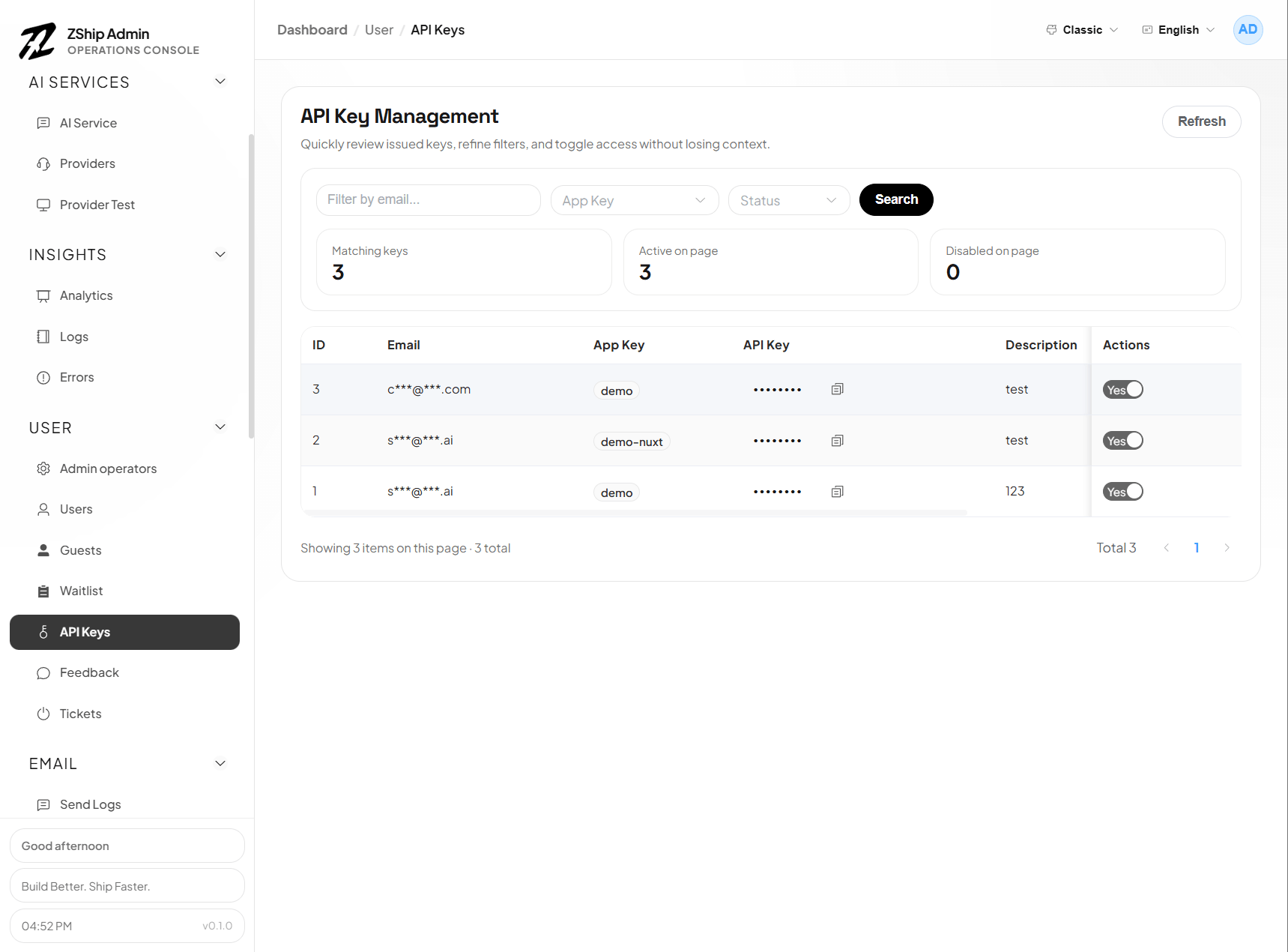
Support & billing
Section titled “Support & billing”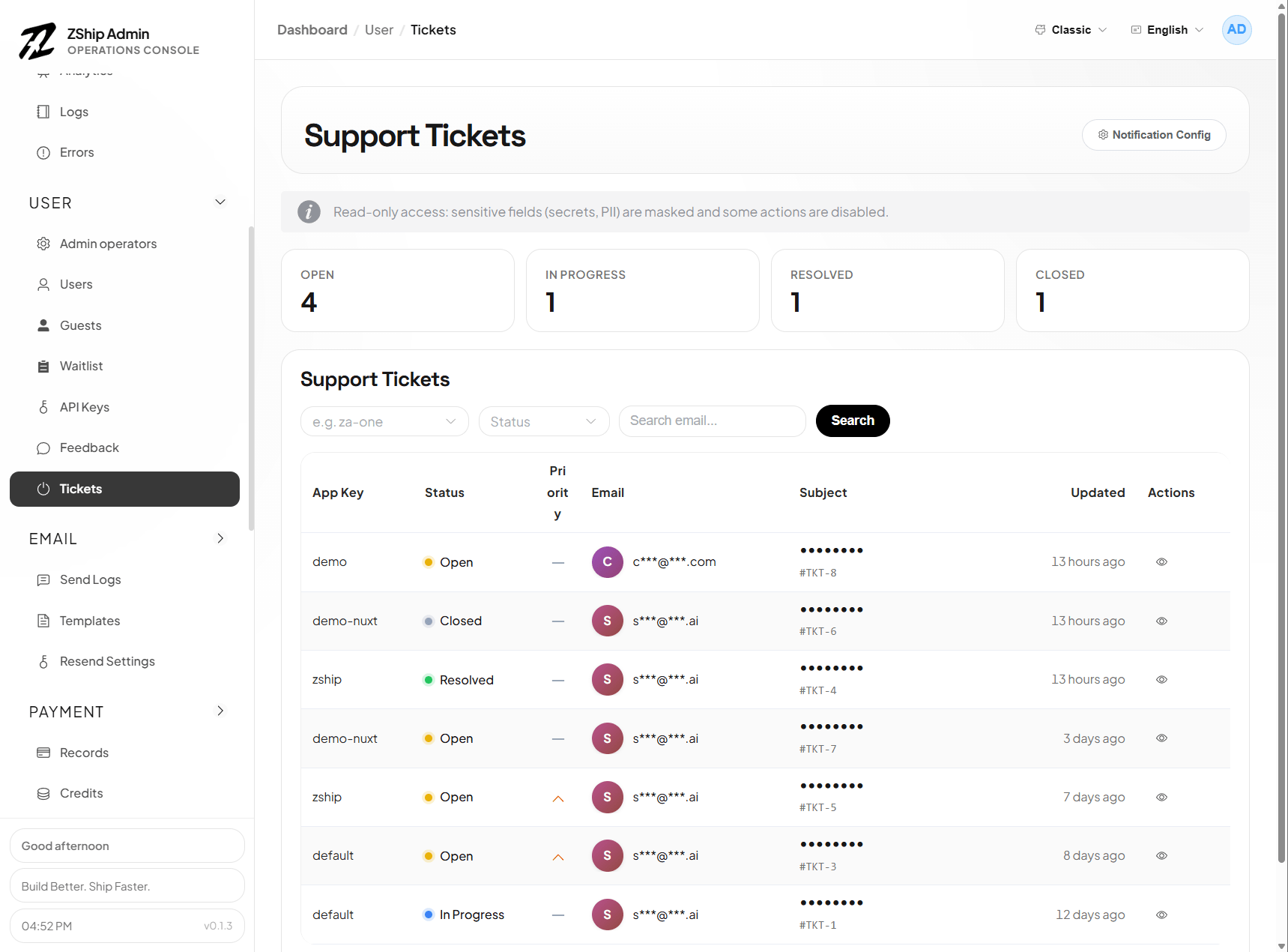
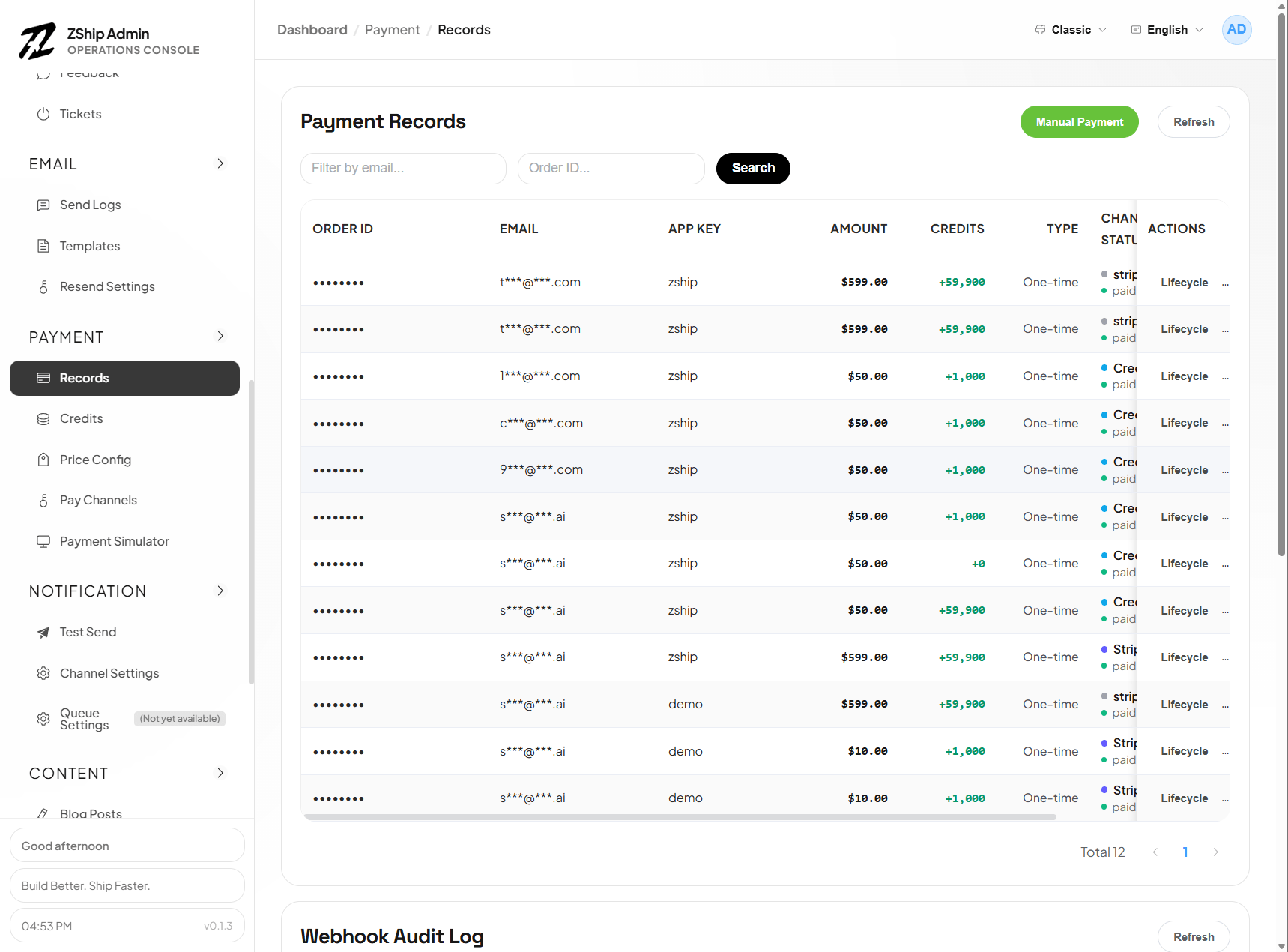
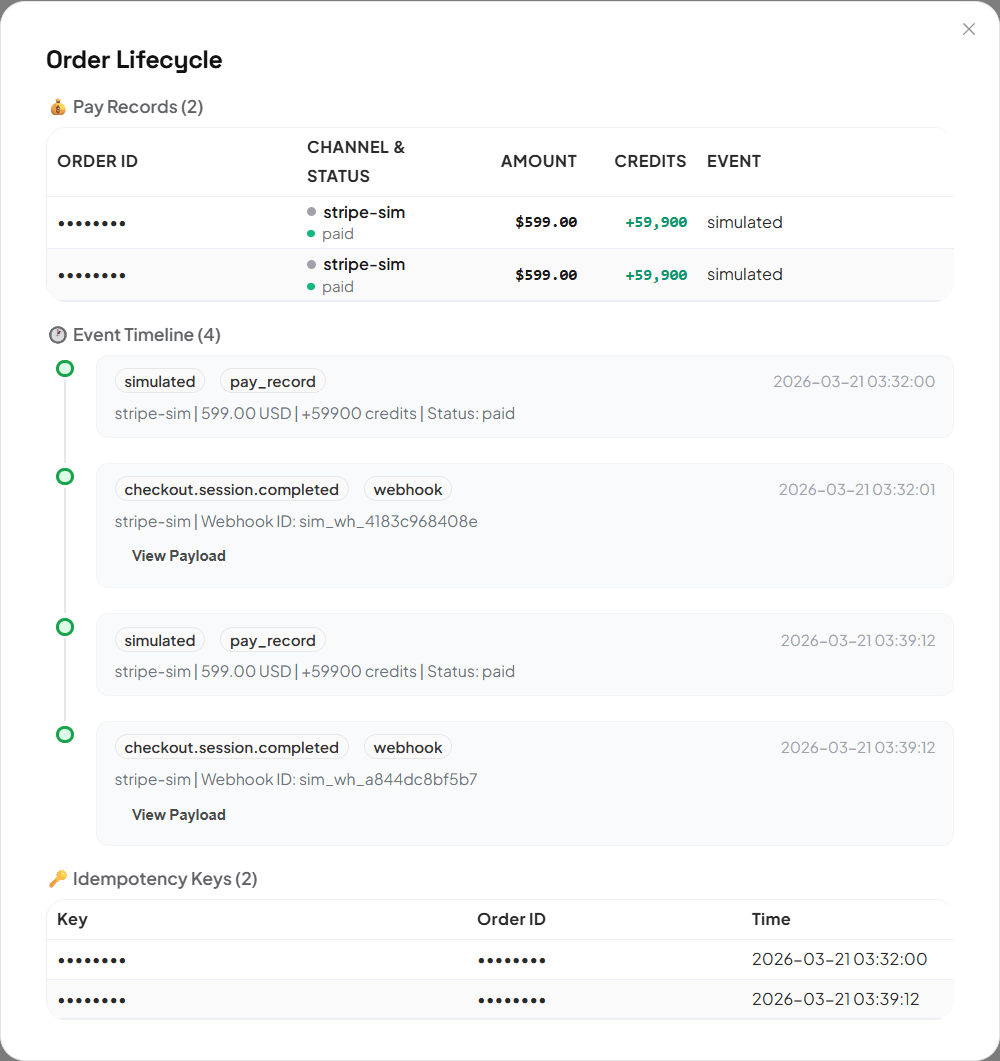
Content & storage
Section titled “Content & storage”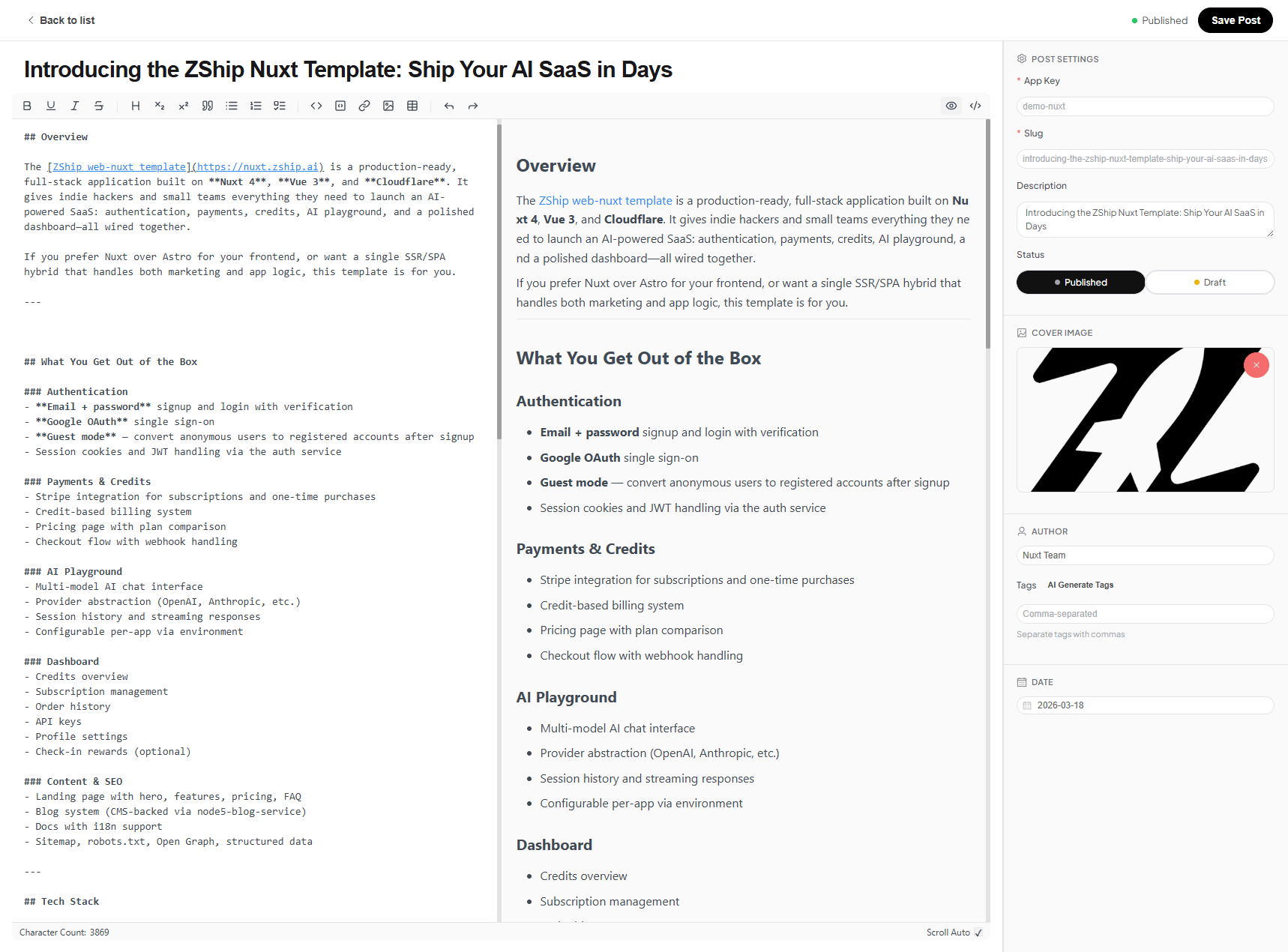
See also
Section titled “See also”- Admin RBAC & operators
- Development skills — includes
create-admin