
Building a custom admin for special business logic
Extend the official admin in apps/admin with Nuxt layers—do not fork packages/nuxt-admin-layer—so upstream UI updates never conflict with your code.
Last updated Mar 21, 2026
The official management UI and shared behavior live in packages/nuxt-admin-layer. That package is maintained by ZShip and receives ongoing updates (routes, components, RBAC wiring, etc.).
Do not modify nuxt-admin-layer
Treat packages/nuxt-admin-layer as read-only in your fork:
- Changes there are hard to merge when we ship template updates.
- You would be editing “vendor” UI that is meant to stay aligned with the official admin.
If you need business-specific screens, APIs, or workflows, implement them outside that package.
Put custom logic in apps/admin
The default admin app is apps/admin. It already extends the layer in nuxt.config.ts:
export default defineNuxtConfig({
  extends: ['../../packages/nuxt-admin-layer'],
  // ...
})
Add your special behavior here (or in another Nuxt app that uses the same extends pattern):
- New pages under
apps/admin/app/pages/(or the equivalent directory your Nuxt version uses) - App-local components, composables, and middleware
- Branding,
runtimeConfig, and environment-specific settings
This keeps your code in your app, while nuxt-admin-layer stays the upstream shell.
How Nuxt layers override each other
With extends, the child app wins when both define the same resource (for example a page or component with the same path/name). Concretely:
- If you provide a matching override in
apps/admin, that version is used. - If you do not override, the implementation from
nuxt-admin-layeris used.
So you can selectively replace official pages or components without copying the entire admin package—and official updates to unrelated parts of the layer still apply.
Practical tips
- Prefer adding new routes and modules under your app rather than patching files under
packages/nuxt-admin-layer. - Keep backend rules (permissions, Service Bindings) consistent with Admin RBAC; the UI is not the authority for security.
- To scaffold a separate admin app, use the
create-adminskill in.cursor/skills/(copy from the official admin template and pointextendsat the layer).
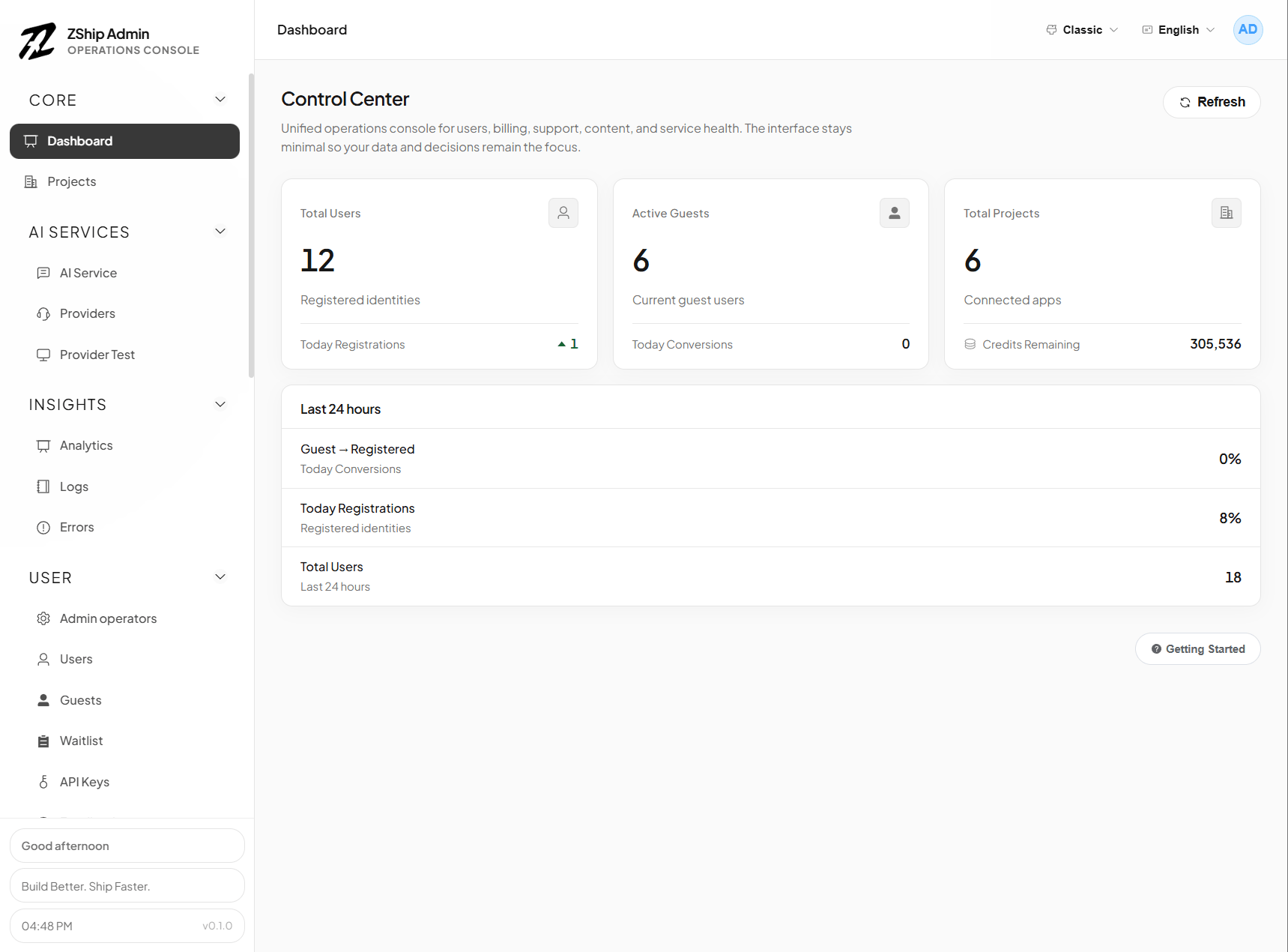
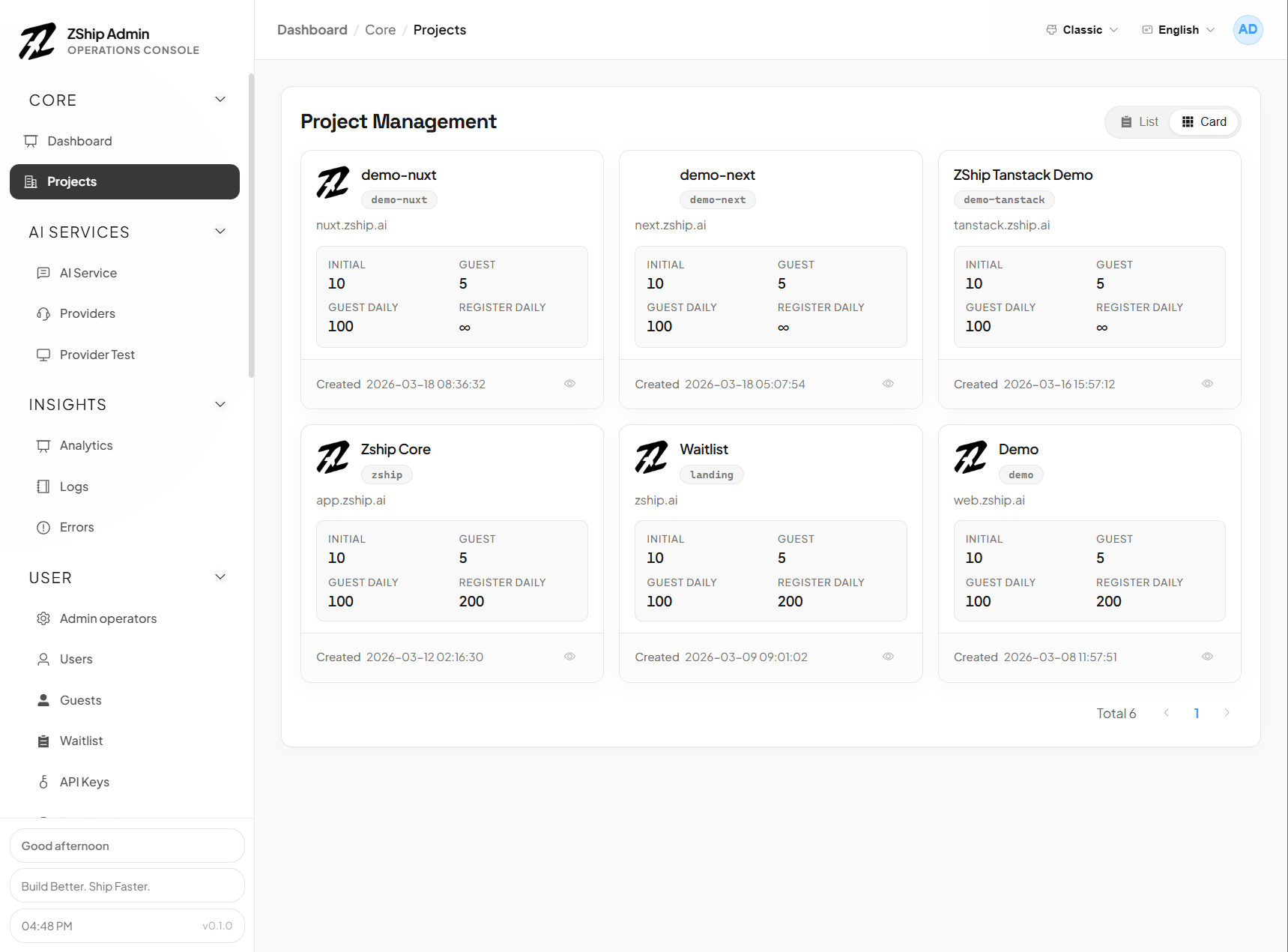
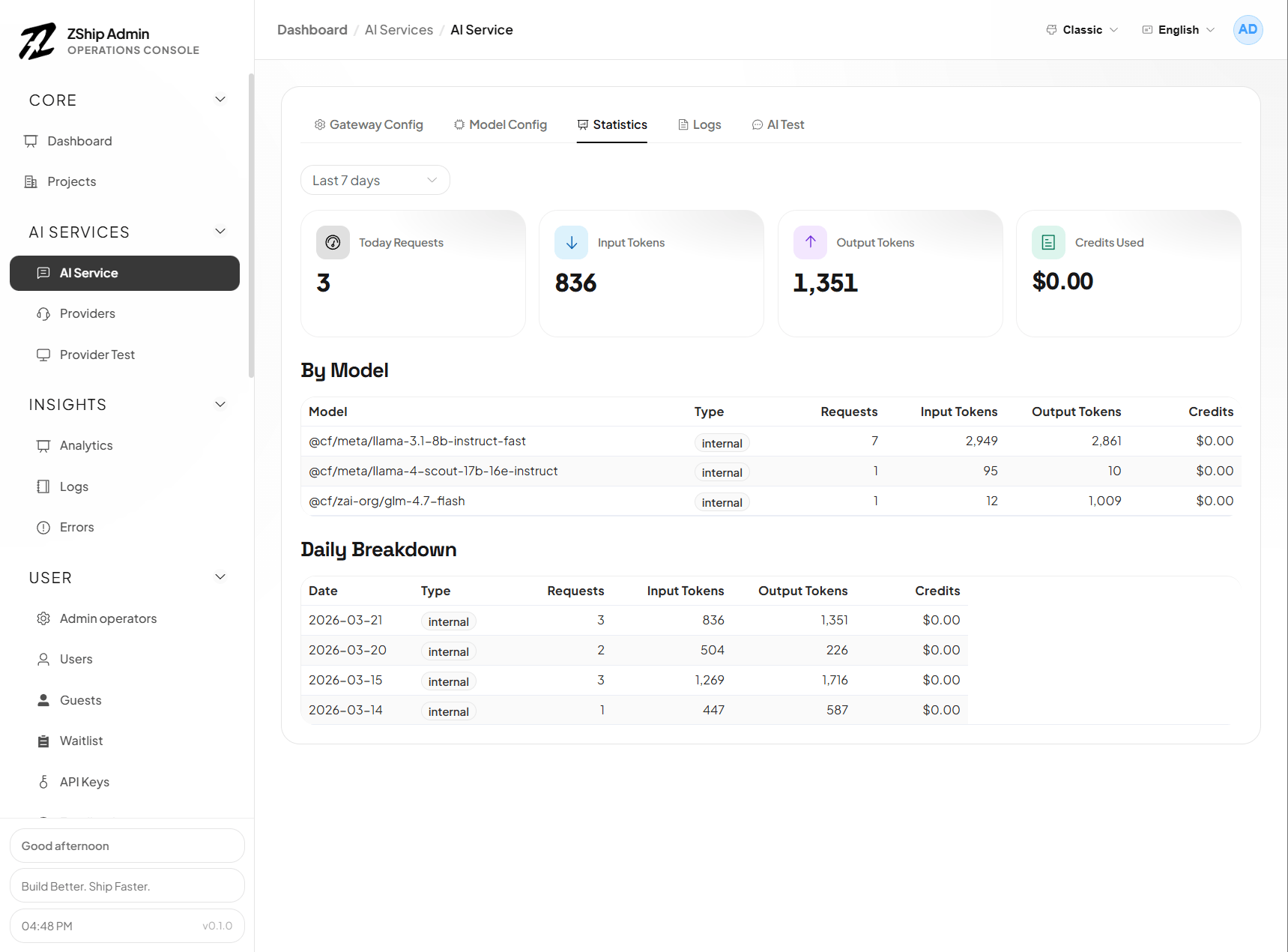
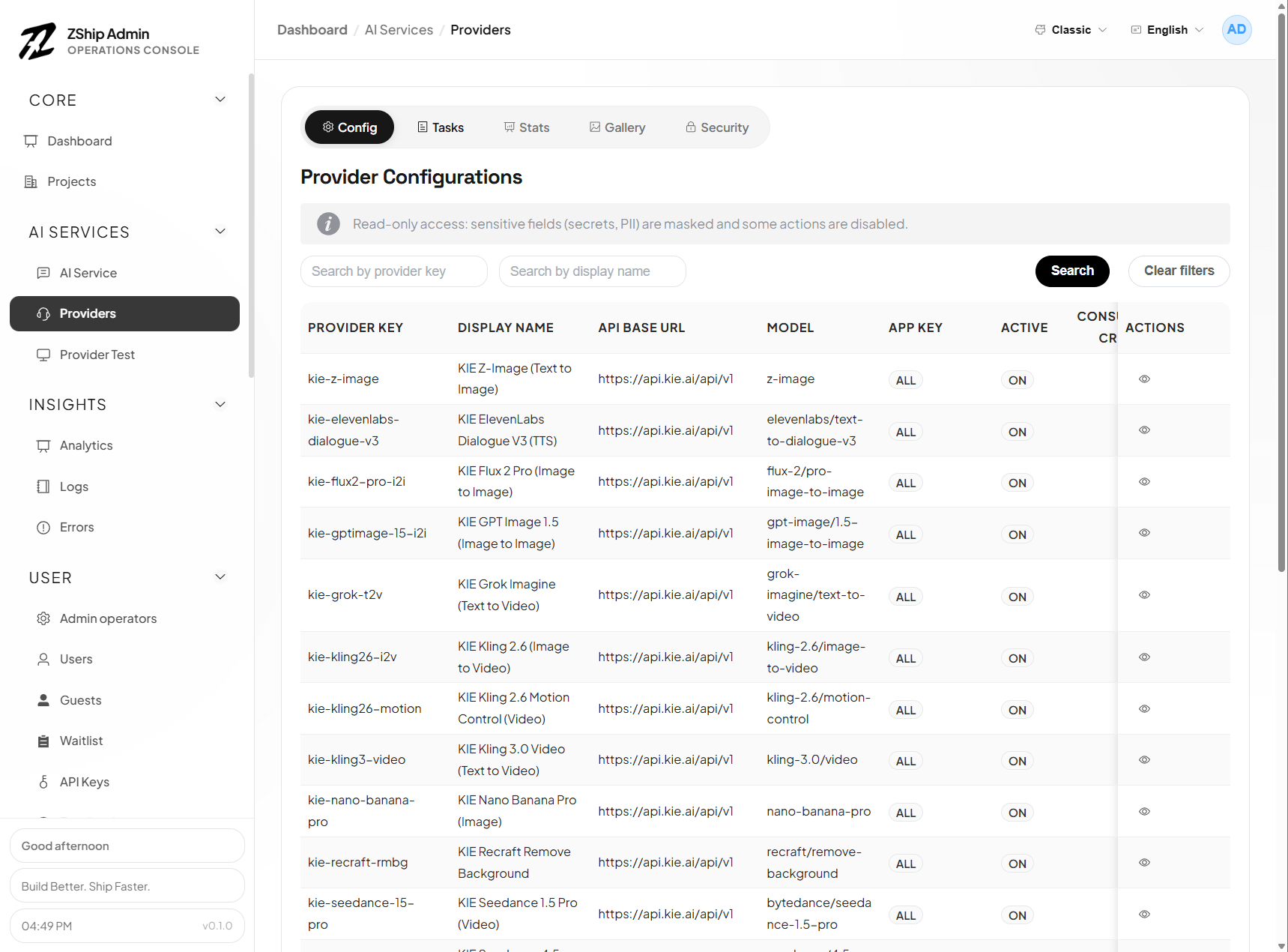
Official admin UI (reference screenshots)
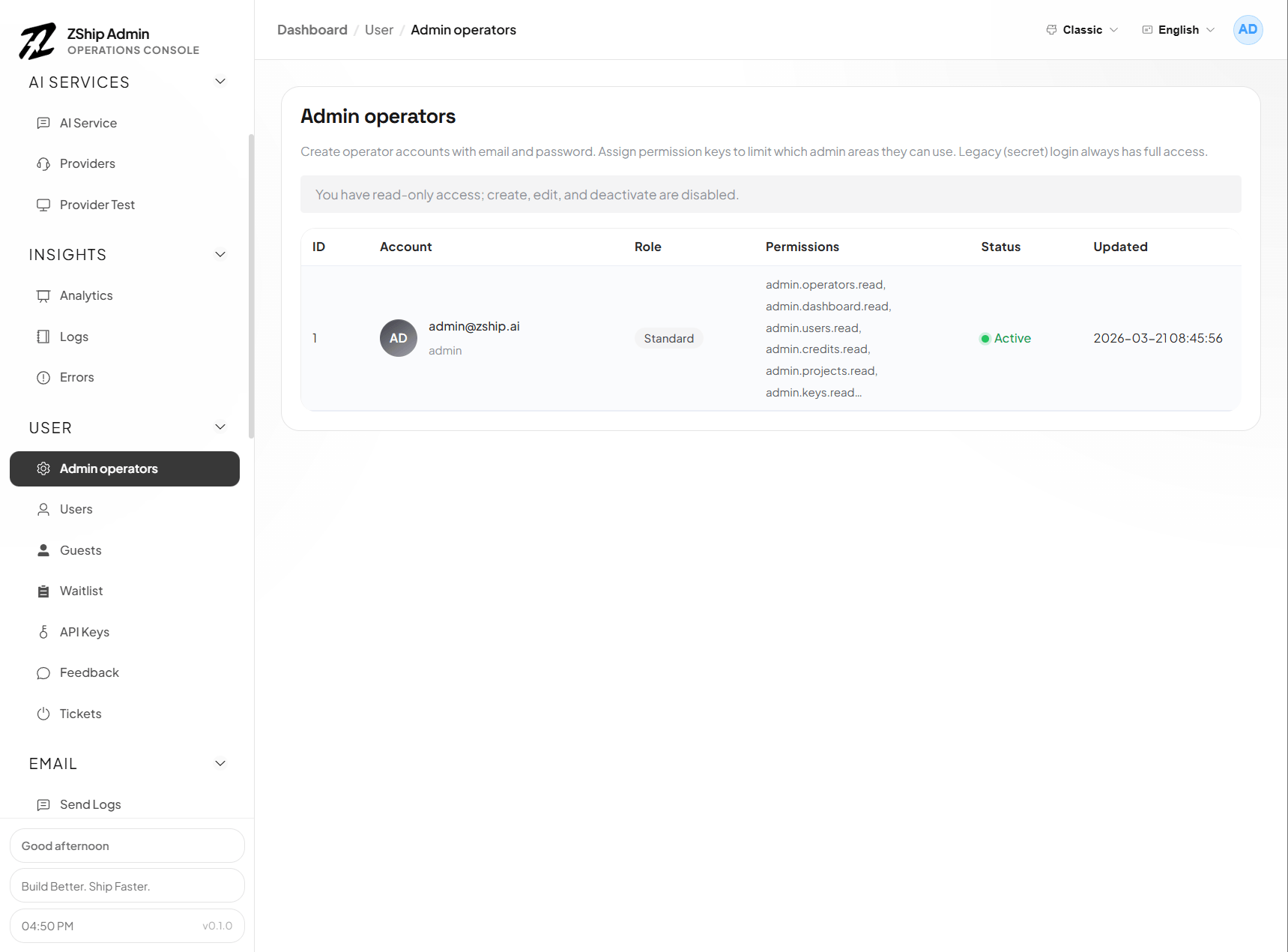
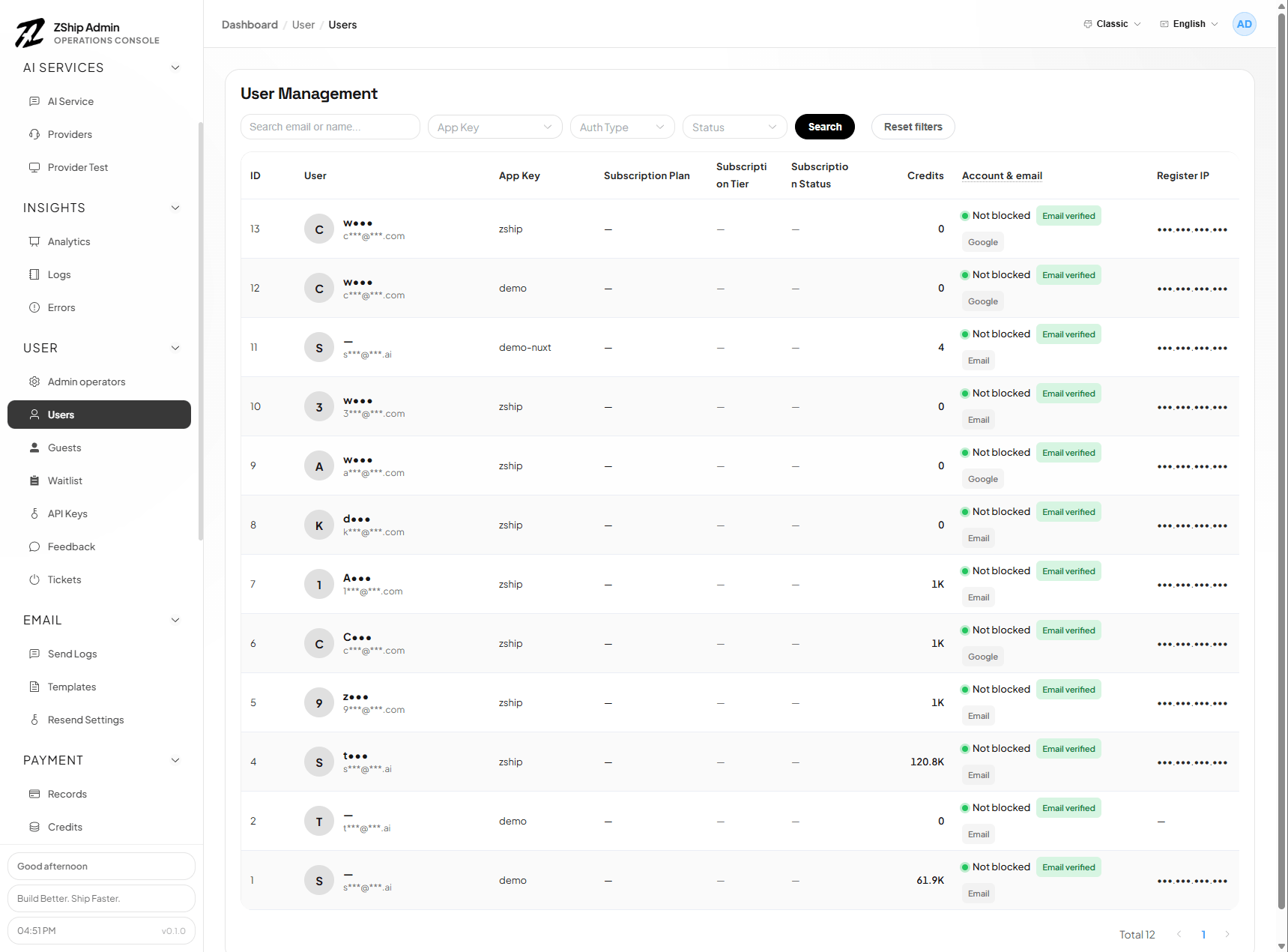
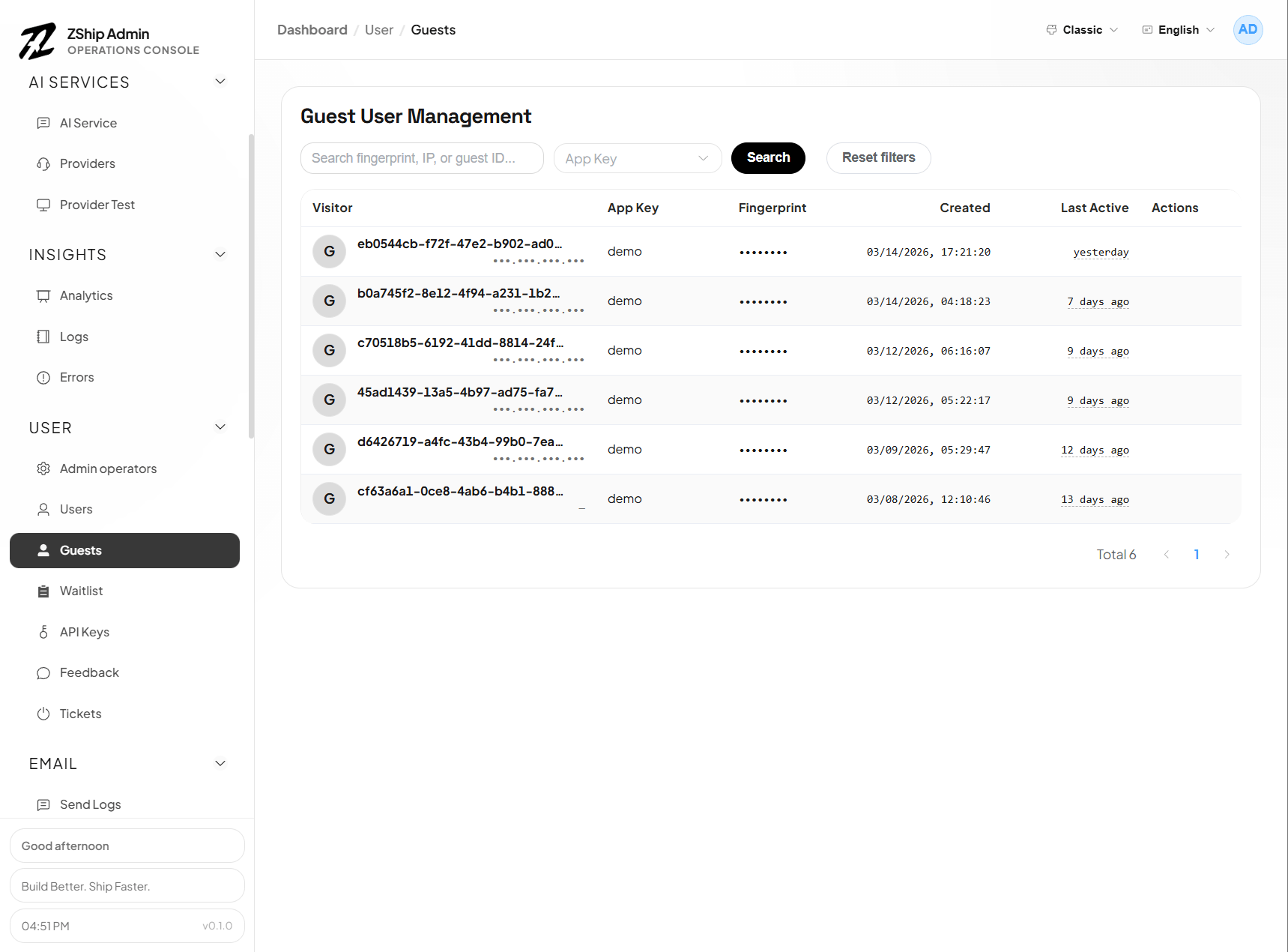
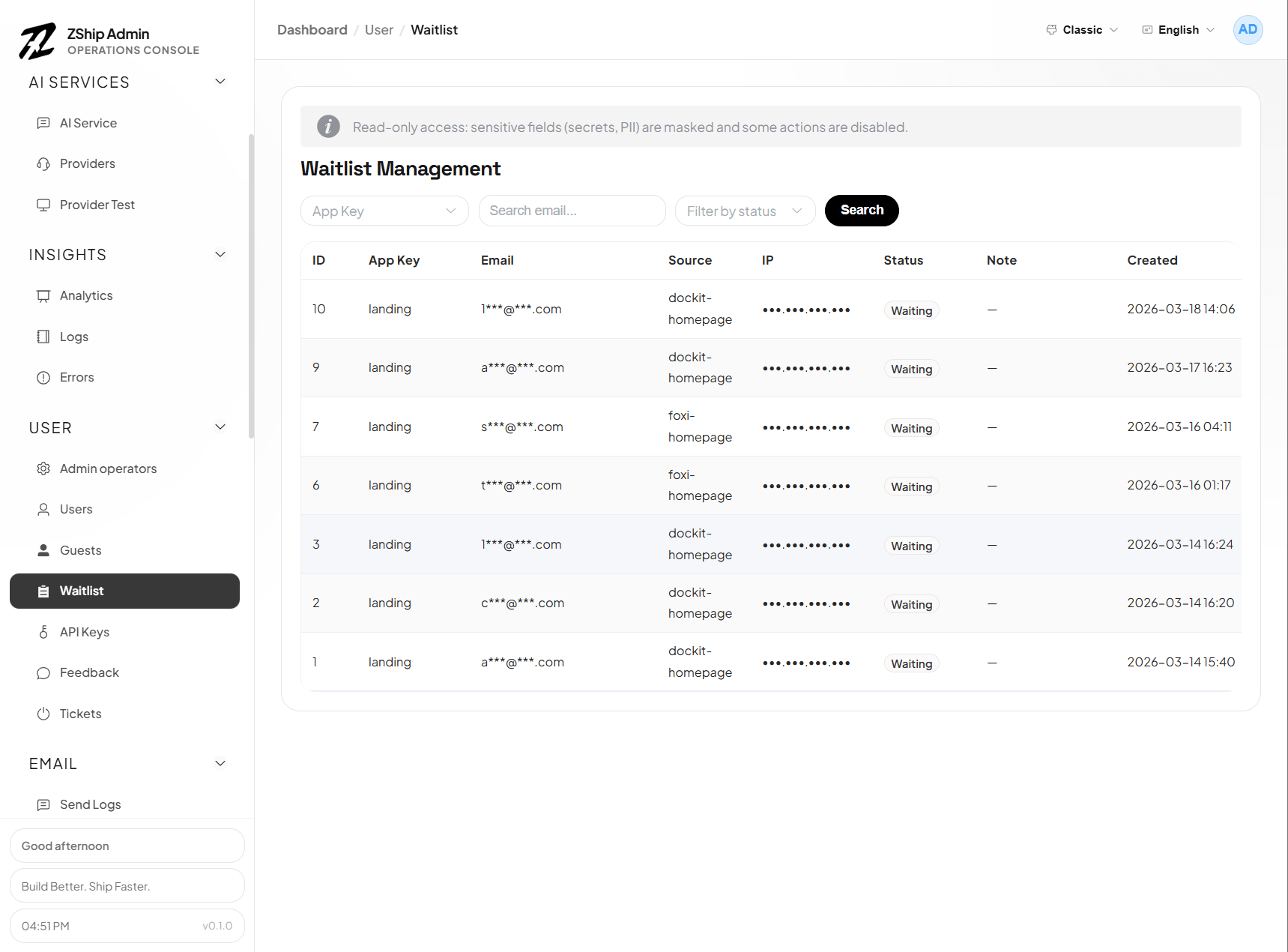
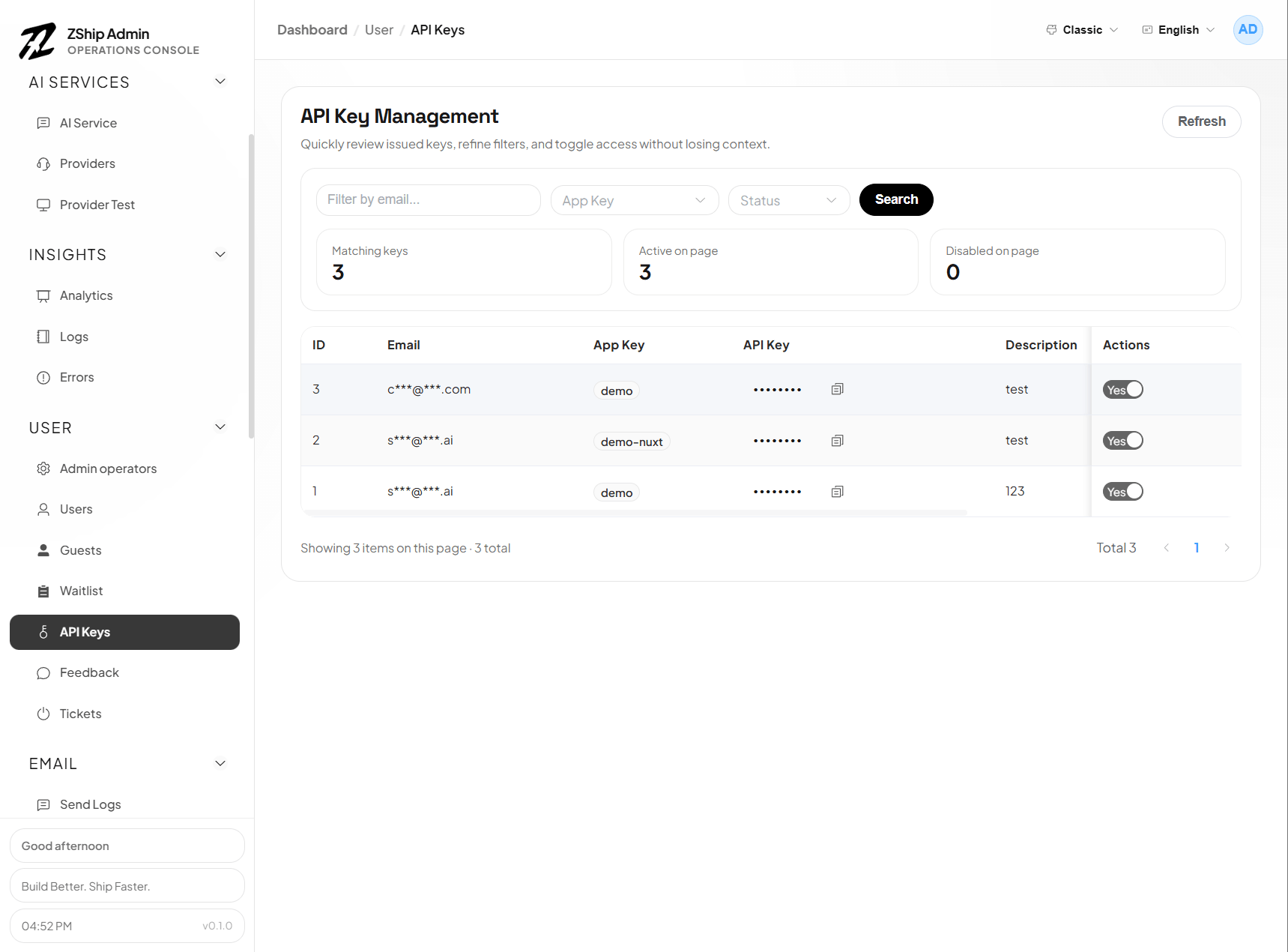
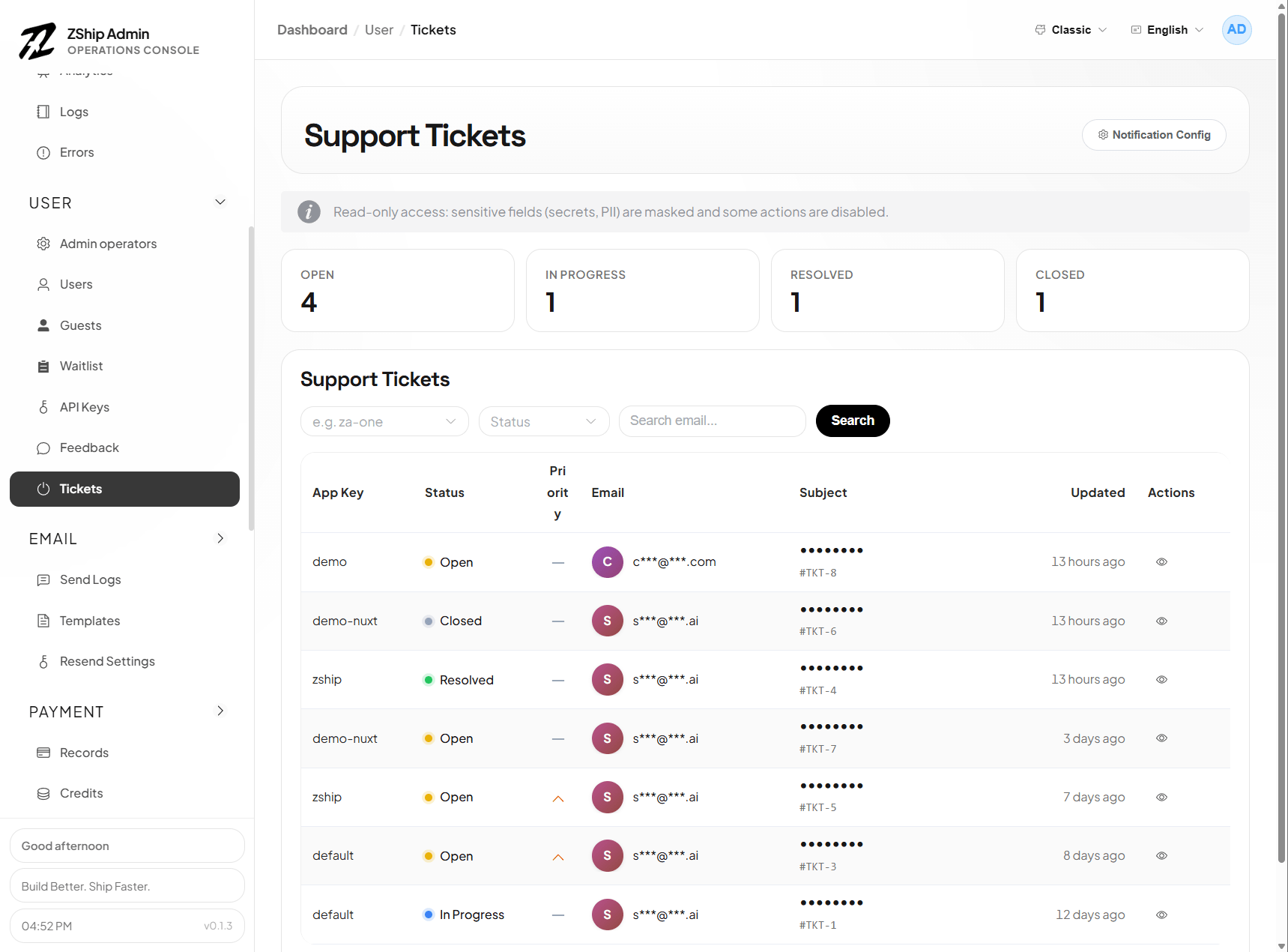
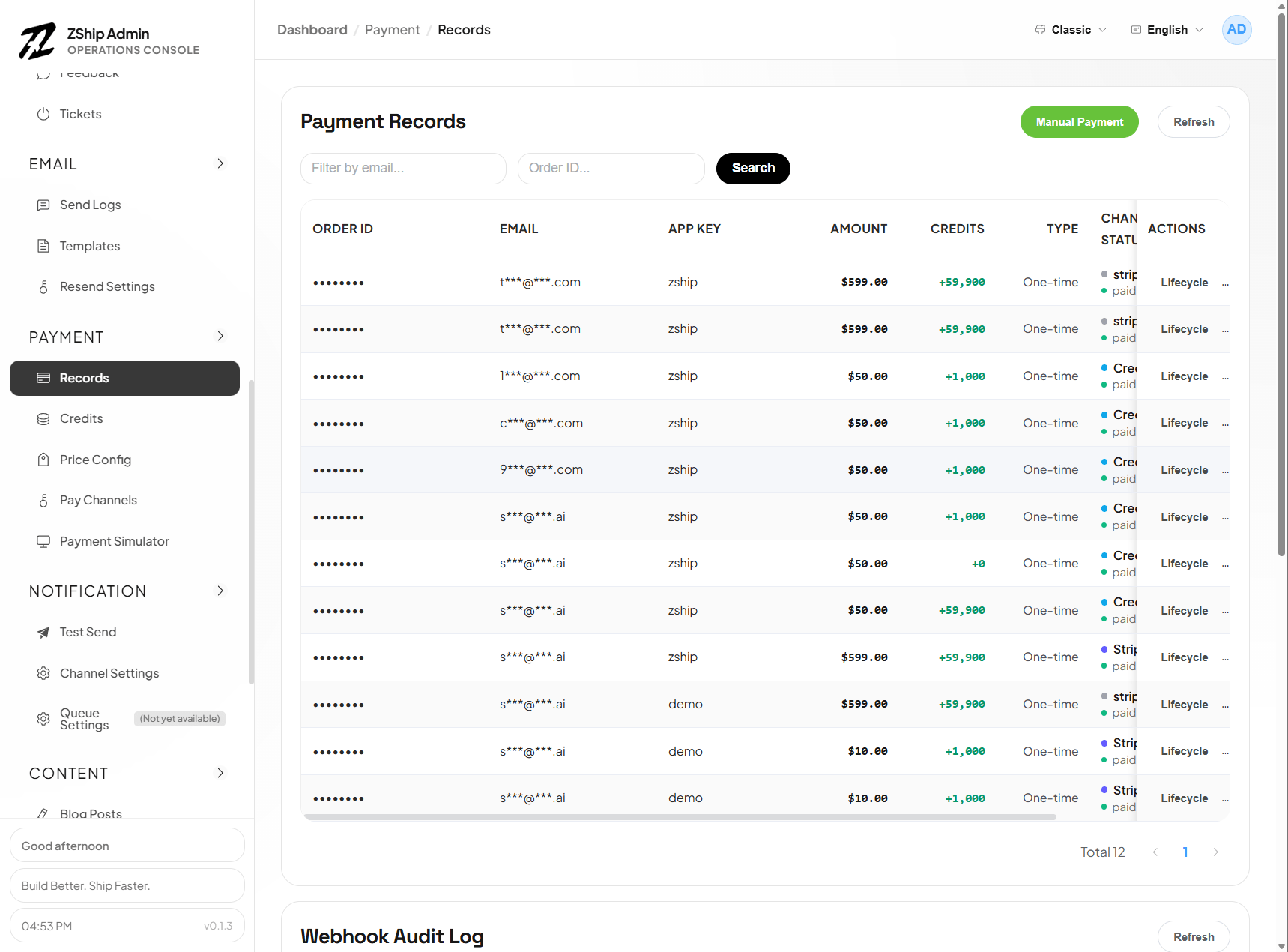
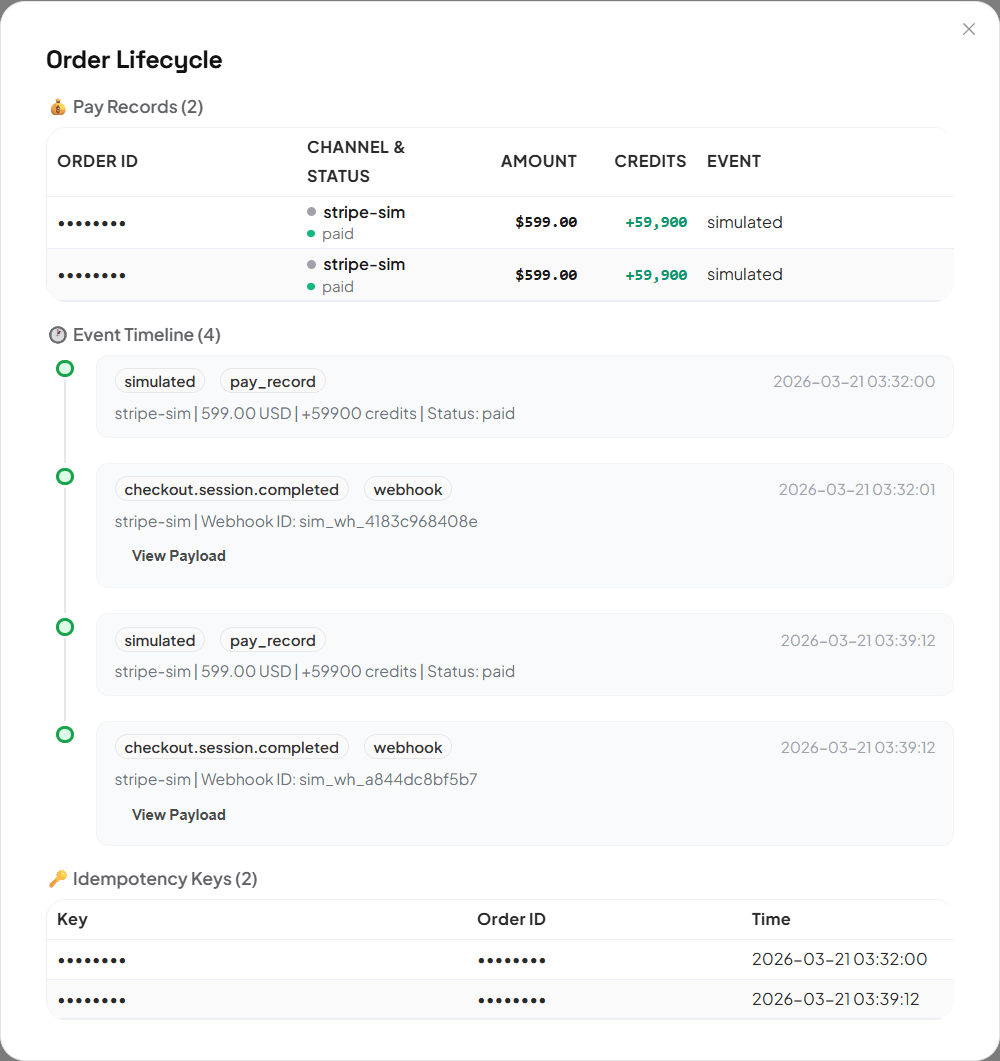
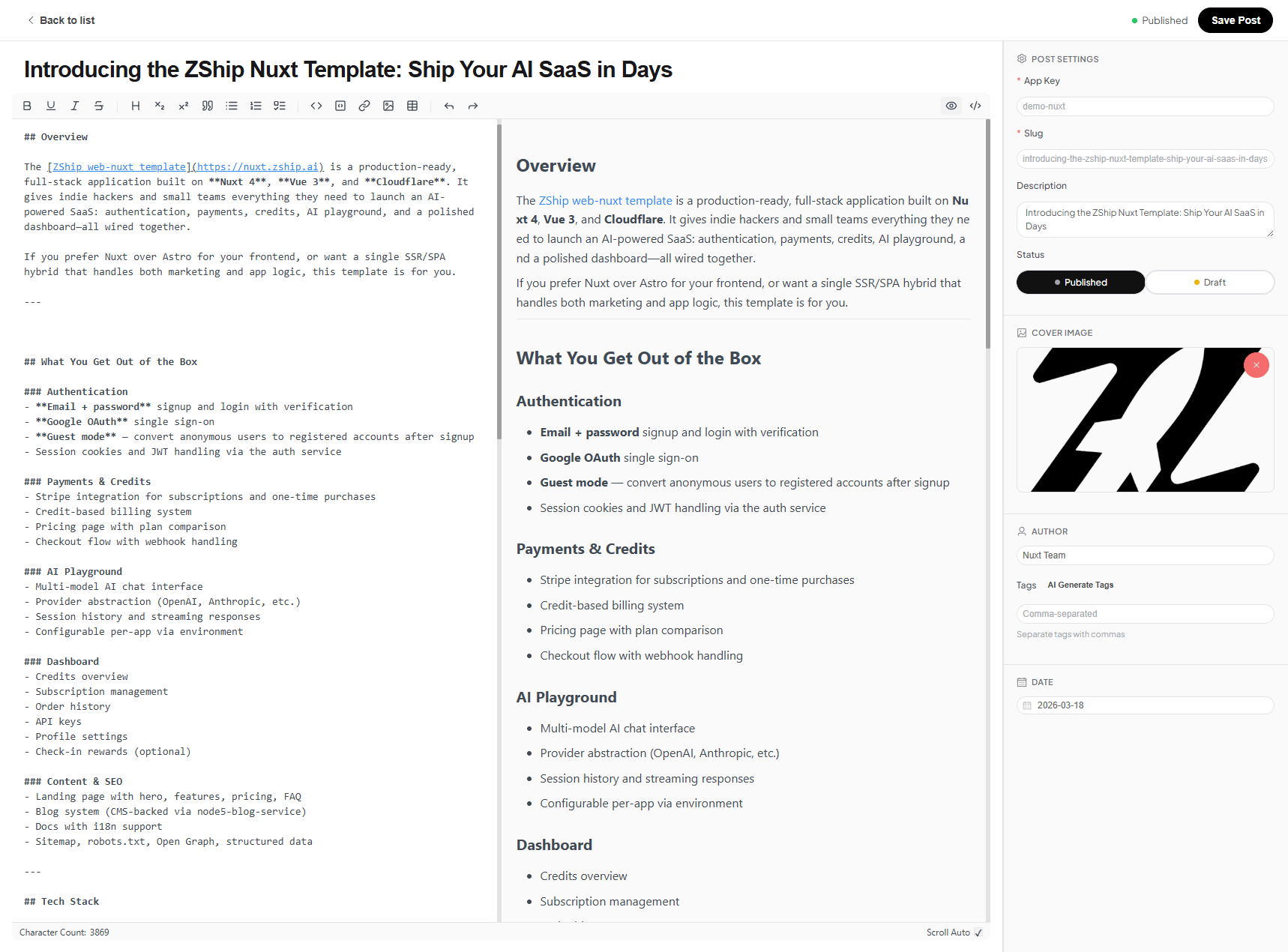
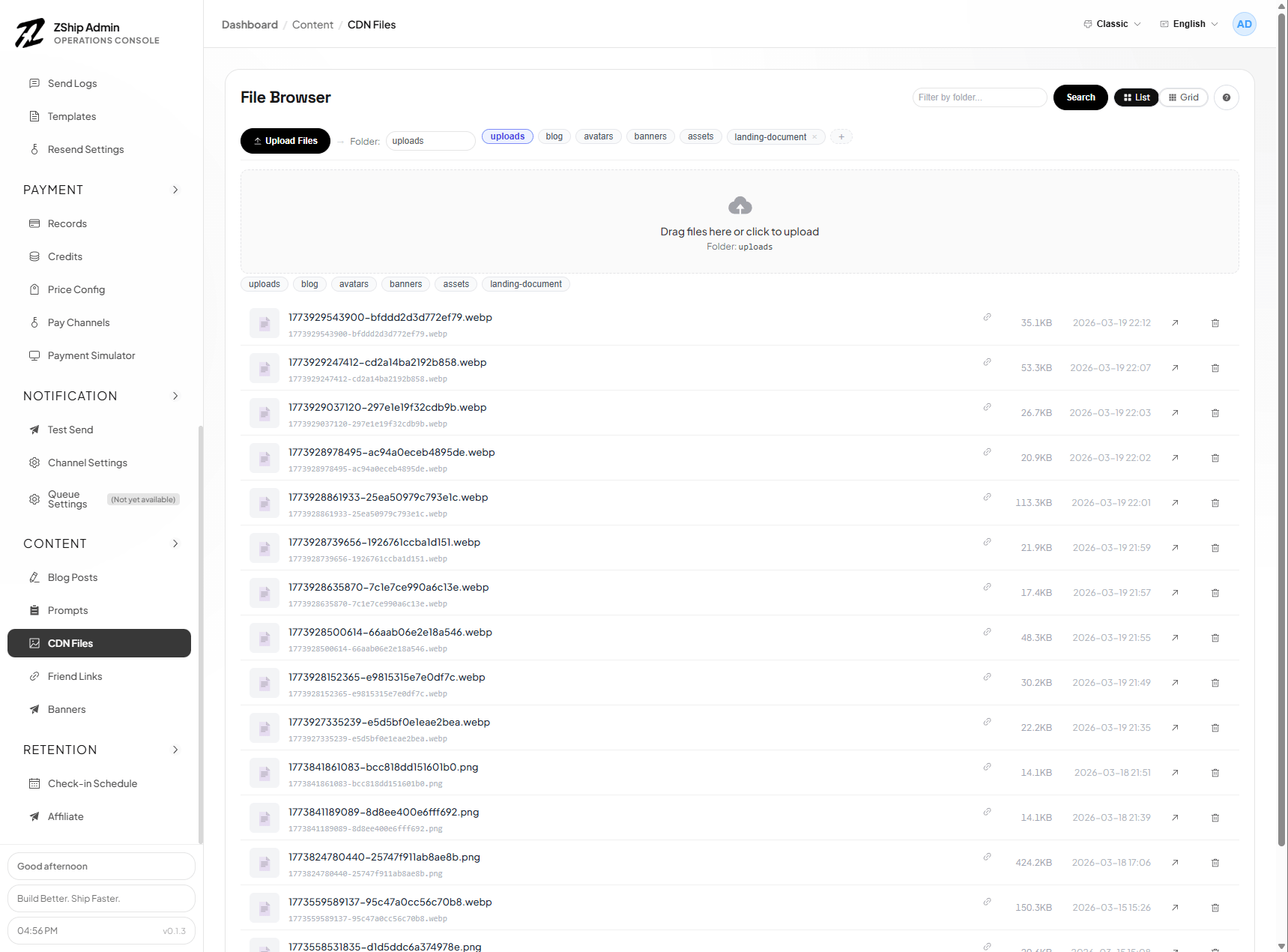
The following images show the official management surfaces shipped with nuxt-admin-layer. Your apps/admin extends this layer; you add or override pages in the app, not in the package.
Workbench & projects
AI & gateway
Operations
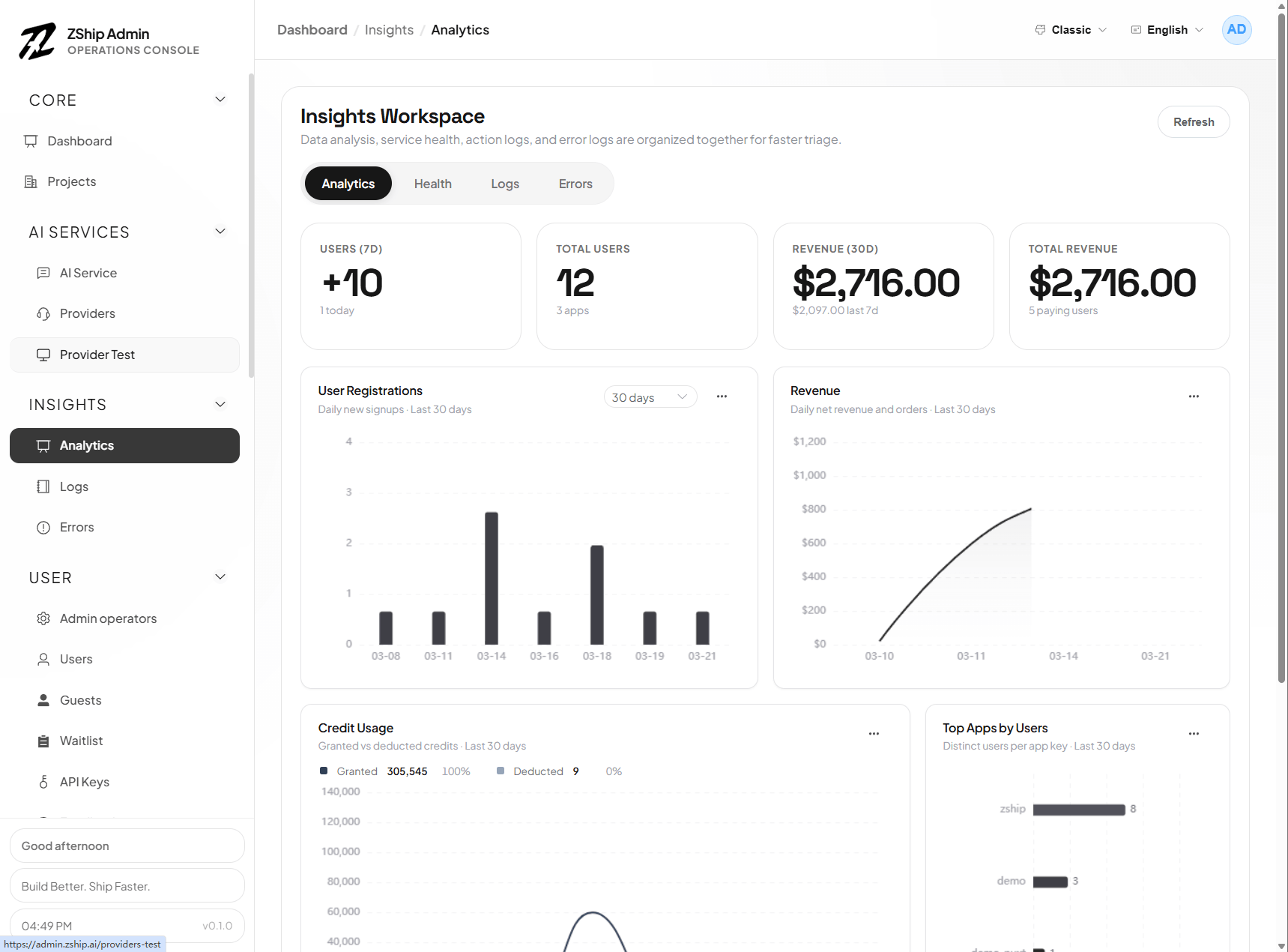
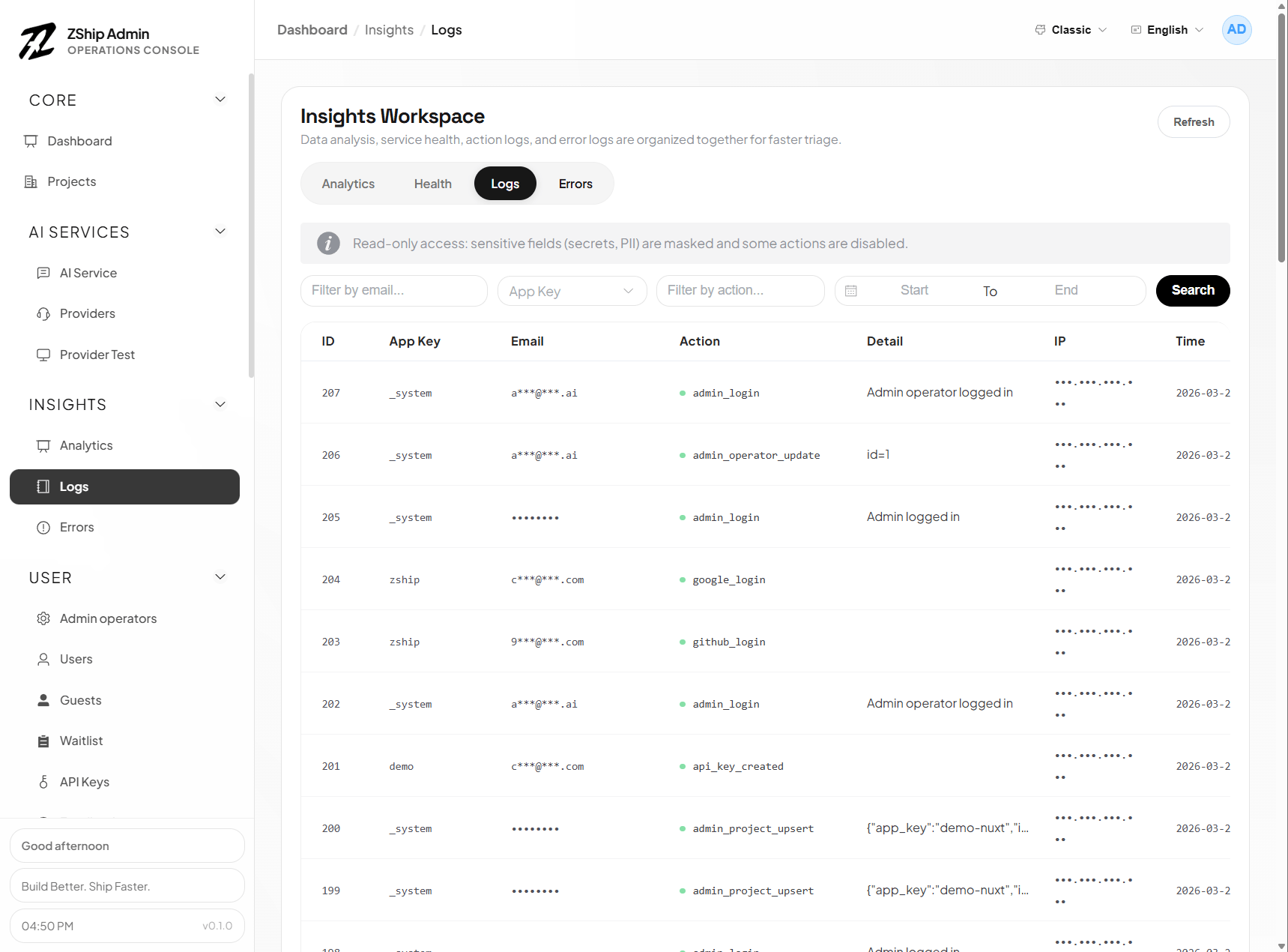
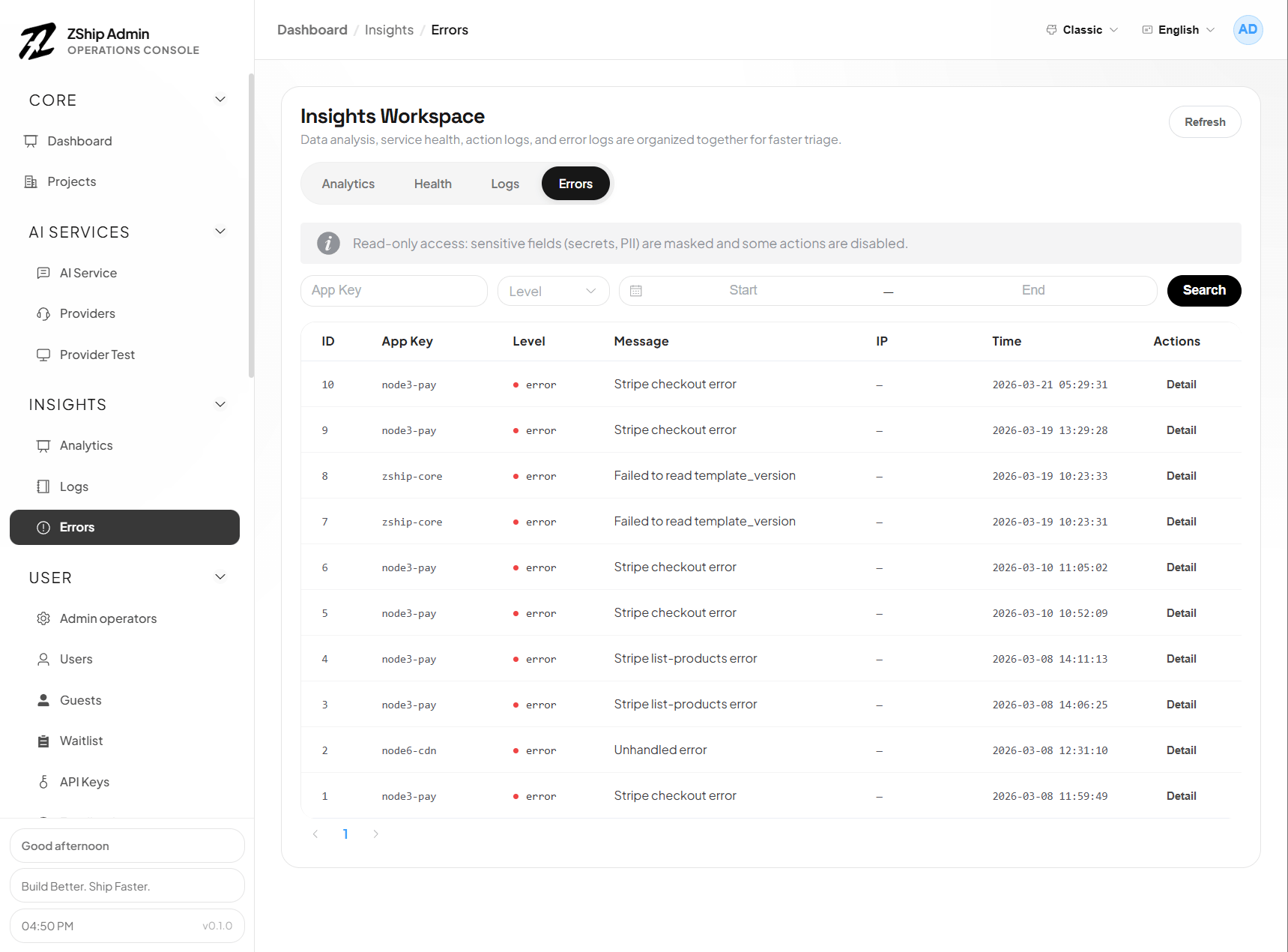
Operators (RBAC)
Users & access
Support & billing
Content & storage
See also
- Admin RBAC & operators
- Development skills — includes
create-admin