
认证
认证由 node1-auth-service 处理,支持邮箱密码、Google OAuth、GitHub OAuth、访客登录和 API Key。
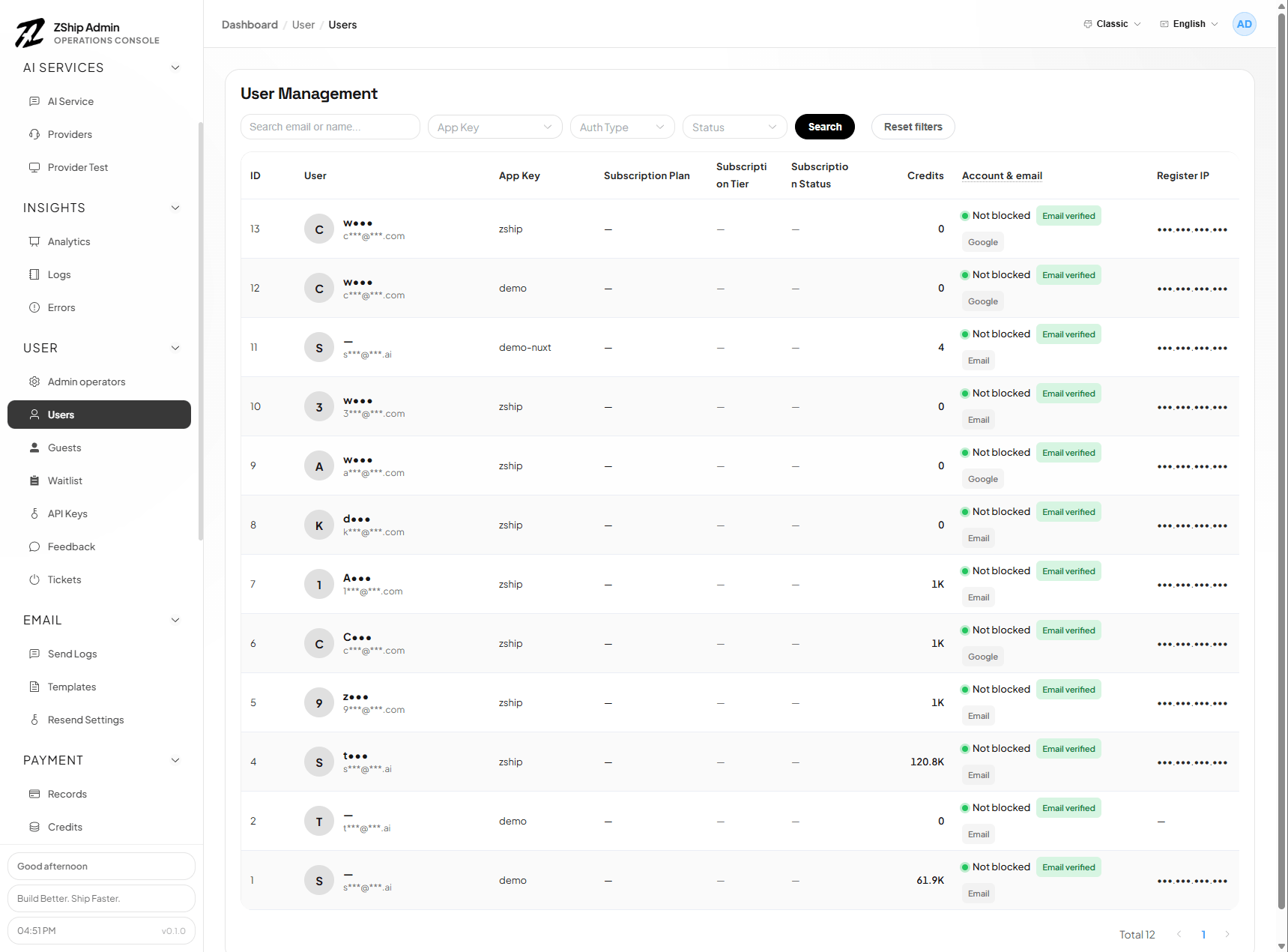
通过 Admin 配置。用户使用邮箱注册或登录,通过验证码或魔法链接完成验证。
Google OAuth
Section titled “Google OAuth”- 在 Google Cloud Console 创建 OAuth 客户端
- 在 Google Console 中添加前端域名到 Authorized JavaScript origins(如
https://你的域名.com)— Google 使用弹窗模式,无需配置 redirect callback - 登录 Admin → Projects → 选择项目 → OAuth Providers
- 启用 Google,粘贴 Client ID,保存
GitHub OAuth
Section titled “GitHub OAuth”启用「使用 GitHub 继续」登录:
1. 创建 GitHub OAuth App
Section titled “1. 创建 GitHub OAuth App”- 打开 GitHub Developer Settings → OAuth Apps
- 点击 New OAuth App
- 填写:
- Application name:应用名称
- Homepage URL:应用 URL(如
https://app.zship.ai) - Authorization callback URL:
https://{你的域名}/auth/callback
- 复制 Client ID 和 Client Secret
2. 在 Admin 中配置
Section titled “2. 在 Admin 中配置”- 登录 Admin
- 进入 Projects → 选择项目 → OAuth Providers
- 启用 GitHub,粘贴 Client ID 和 Client Secret
- 保存
登录页将显示「使用 GitHub 继续」按钮。
API Key
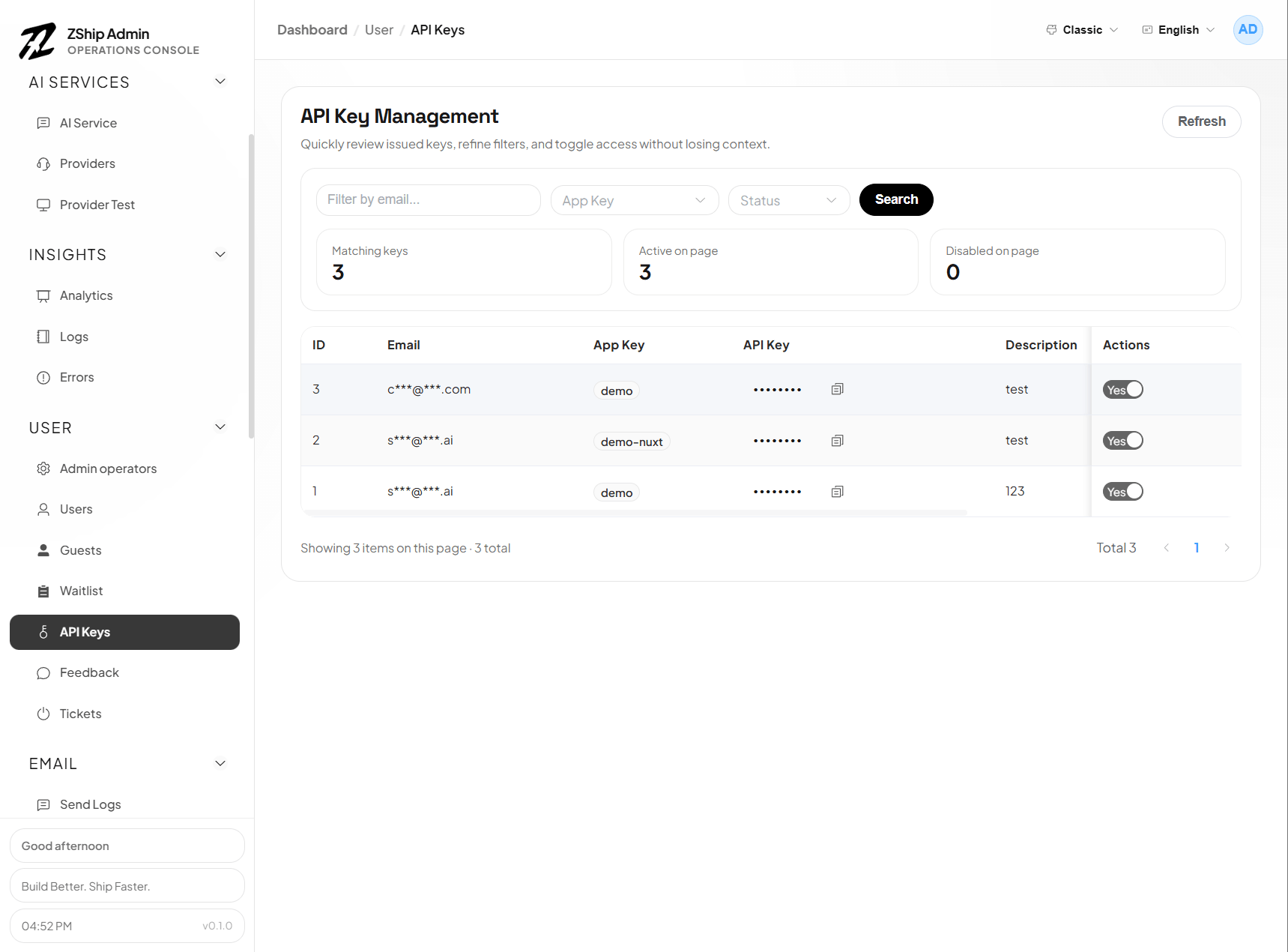
Section titled “API Key”用户可在 Dashboard 中创建 API Key。Key 存储在 node1-auth,用于程序化访问(如 AI 网关)。
访客(游客)
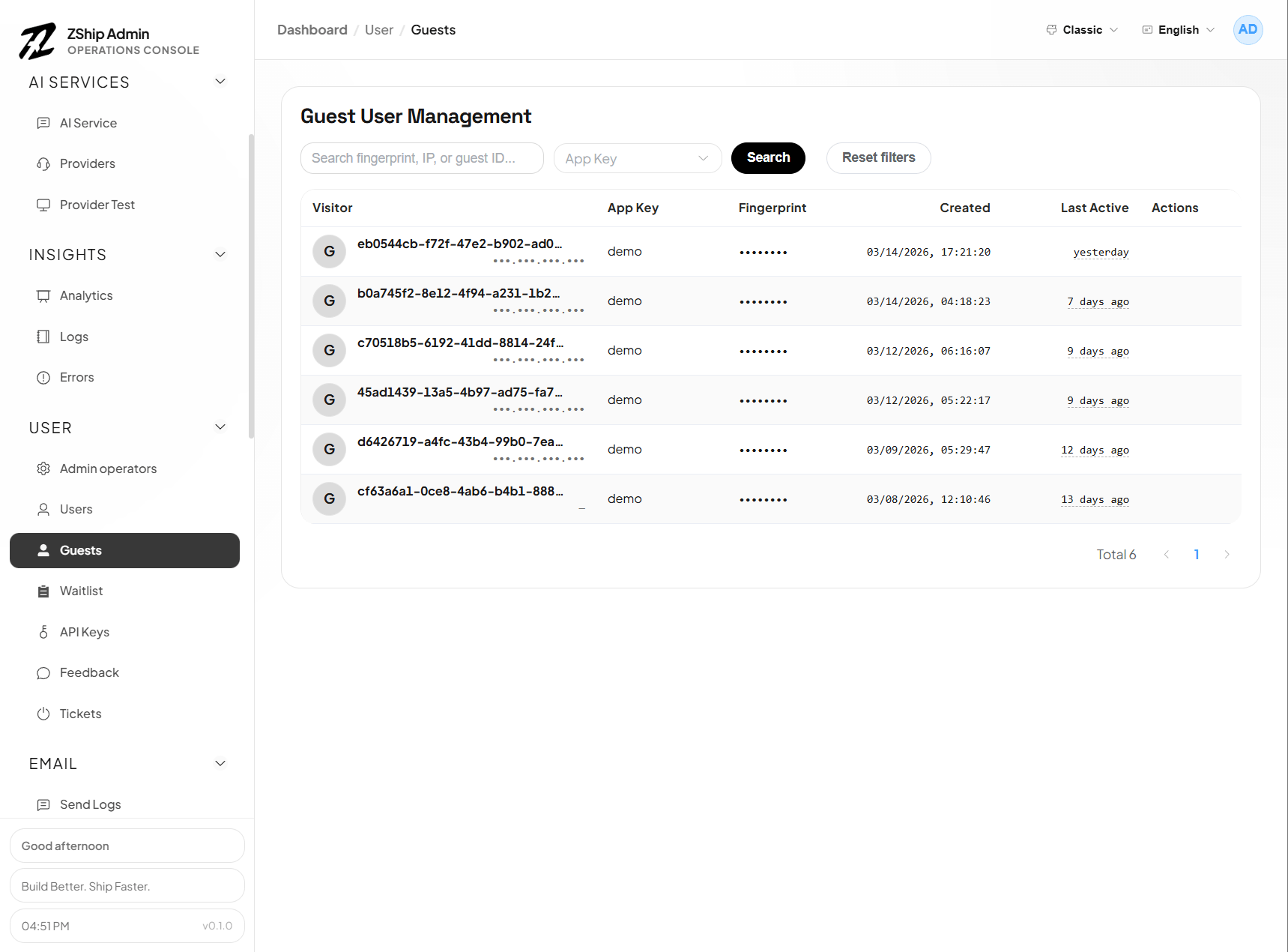
Section titled “访客(游客)”可选的访客(匿名)会话,便于用户在正式注册前体验产品。
Admin 页面
Section titled “Admin 页面”- Users (
/users) — 用户列表、积分调整 - Credits (
/credits) — 积分管理